Introduction
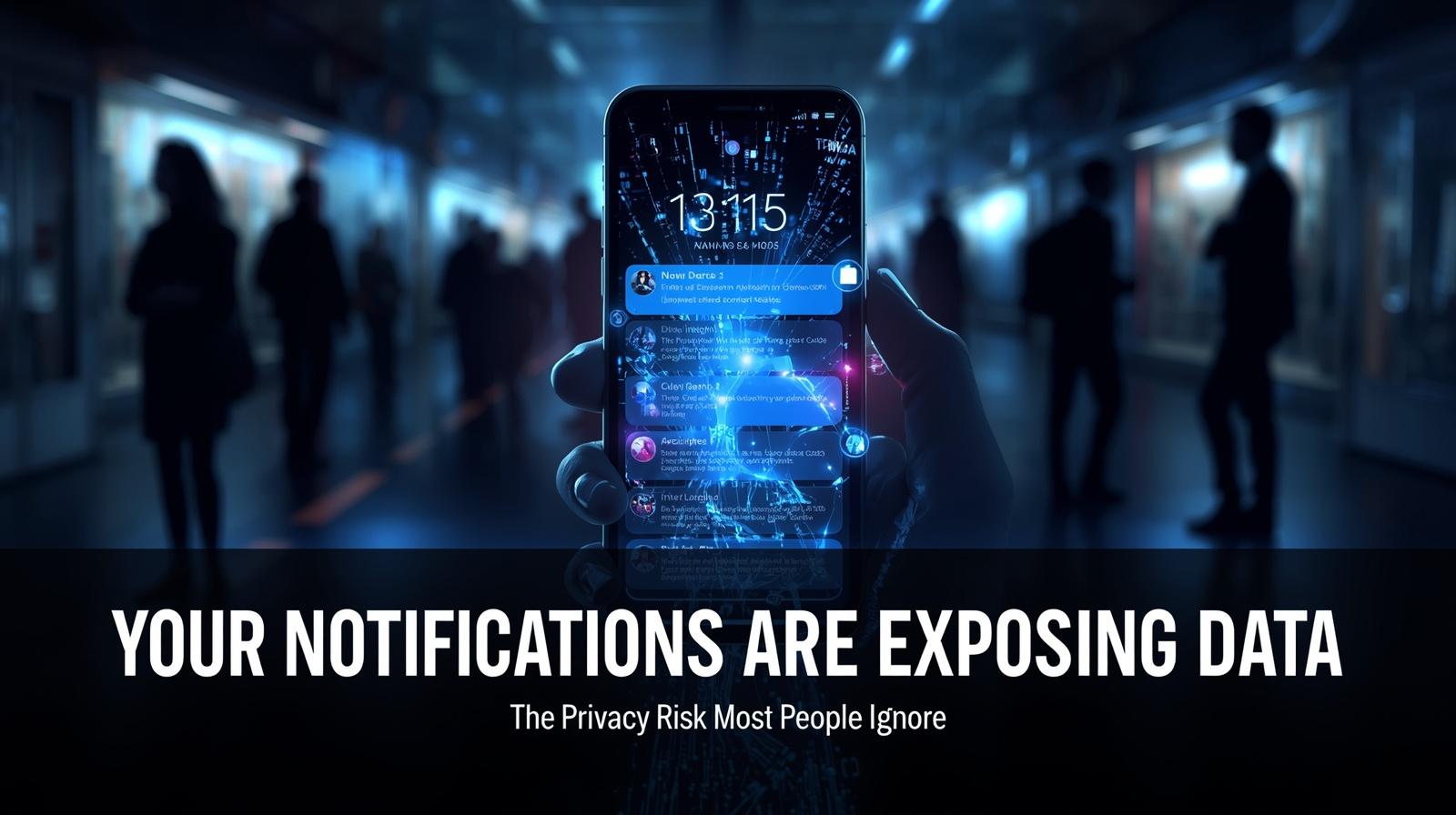
Notifications are designed to make life easier—quick updates, instant messages, one-tap access. But behind that convenience is a quiet privacy risk most people never think about.
Every time your phone lights up, it may be revealing more than you realize.
From verification codes to personal conversations, notifications can expose sensitive information—even when your phone is locked.
How Notifications Reveal More Than You Expect
Many apps display detailed information directly in notifications. This often includes:
- One-time passwords (OTPs) for logins
- Message previews from chat apps (WhatsApp, iMessage, Signal, Telegram)
- Email subjects and snippets
- Banking alerts and transaction details
- Calendar event details
- Delivery tracking information
- Medical appointment reminders
- Social media interactions
While this seems helpful, it also means that anyone who can see your screen—even briefly—may access private information.
Common Examples of Exposed Data
| Notification Type | What Could Be Exposed |
|---|---|
| Login code | Your 2FA code or password reset link |
| Messaging app | Personal conversations, photos, locations |
| Banking alert | Account balance, transaction details |
| Email preview | Private correspondence, work information |
| Calendar reminder | Where you’ll be, medical appointments |
The Lock Screen Exposure Problem
The biggest issue isn’t notifications themselves—it’s where they appear.
Most phones are set to show notifications on the lock screen by default. This creates situations where:
- Someone nearby can read your messages
- Sensitive alerts are visible without unlocking your phone
- Private information is exposed in public spaces
- Anyone who picks up your phone can see recent alerts
- Screen contents can be reflected in windows or mirrors
Even a quick glance from someone next to you on public transport or in a café can reveal more than intended.
The Visual Hacker
This is sometimes called “visual hacking” or “shoulder surfing” —the practice of looking at someone’s screen to obtain information. Lock screen notifications make this incredibly easy.
Real-World Scenarios Most People Overlook
This risk becomes more serious in everyday situations.
Lost or Misplaced Phone
If your phone is lost or temporarily out of your control, incoming notifications can expose:
- Login codes that unlock accounts
- Personal messages from family or colleagues
- Financial information
- Work-related sensitive data
Public Environments
Notifications popping up in crowded places can be seen by others without you noticing:
- Cafés and restaurants
- Public transport (trains, buses, planes)
- Elevators and lobbies
- Waiting rooms
- Concerts and events
Work or Shared Spaces
Leaving your phone on a desk while notifications appear can unintentionally reveal private or sensitive content:
- Office environments with colleagues nearby
- Shared living spaces (roommates, family)
- Meetings where your phone is visible
- Retail counters when paying
While Sleeping
Many people keep their phones on nightstands. If notifications appear while you’re asleep, anyone in the room could see them.
These situations are common—and often ignored.
Why People Don’t Think About It
Notifications feel harmless because they are part of daily routine.
Most users:
- Focus on convenience rather than privacy
- Accept default settings without review
- Don’t consider who else might see their screen
- Assume security only matters when the phone is unlocked
- Don’t realize how much information notifications contain
- Think “it won’t happen to me”
This creates a gap between perceived safety and actual exposure.
Why This Risk Matters More Today
As more services rely on mobile verification and real-time alerts, notifications now carry more sensitive data than ever.
The Rise of SMS 2FA
Many websites and apps send login verification codes via SMS or app notification. If these appear on your lock screen:
- Anyone nearby can see your 2FA code
- Attackers can use it to access your accounts
- This bypasses the security of two-factor authentication
Financial Services
Banking apps now send:
- Transaction alerts with amounts
- Balance notifications
- Fraud alerts
- Card usage confirmations
Work and Professional Apps
Workplace apps may send:
- Confidential messages
- Meeting details
- Document previews
- Sensitive project information
Healthcare Apps
Medical apps can send:
- Appointment reminders with clinic names
- Test result notifications
- Prescription refill alerts
In some cases, this information can be used to assist in account access or social engineering attempts.
How to Reduce Notification Exposure
The good news is that this risk is easy to manage with a few simple changes.
1. Hide Sensitive Content on Lock Screen
Most smartphones allow you to control what appears on the lock screen.
On iPhone:
- Settings → Notifications → Show Previews
- Choose: “When Unlocked” (only shows content after authentication)
- Or: “Never” (shows no content, only that you have notifications)
On Android:
- Settings → Notifications → Lock screen notifications
- Choose: “Hide sensitive content” (shows app name but not details)
- Or: “Don’t show notifications at all”
2. Disable Previews for Specific Apps
For apps like messaging or email, you can customize notification settings individually.
On iPhone:
- Settings → Notifications → Select app → Show Previews → When Unlocked
On Android:
- Settings → Apps → Select app → Notifications → Lock screen → Hide sensitive content
3. Review Notification Permissions
Check which apps are allowed to send notifications and limit unnecessary ones.
Questions to ask:
- Does this app need to send notifications?
- Does it need to show content on my lock screen?
- Can I receive this information another way?
4. Use Screen Privacy Features
Some devices offer additional privacy protections:
iPhone:
- Settings → Face ID & Passcode → Attention Aware Features (dims previews when you’re not looking)
- Settings → Notifications → Scheduled Summary (batches less urgent notifications)
Android:
- Settings → Notifications → Bubbles (control chat notification visibility)
- Settings → Privacy → Lock screen (additional privacy options)
5. Disable Notifications for Sensitive Apps
For apps that handle particularly sensitive information:
- Banking apps
- Authenticator apps
- Email accounts
- Messaging apps
Consider disabling lock screen notifications entirely for these.
6. Use Notification Summary Features
Both iOS and Android offer ways to group and schedule less urgent notifications, reducing the constant stream of pop-ups.
Platform-Specific Guidance
iPhone/iOS
Key settings to check:
- Settings → Notifications → Show Previews
- When Unlocked (recommended)
- Never (more private)
- Always (default, most exposed)
- Settings → Notifications → Individual Apps
- Customize per app as needed
- Settings → Face ID & Passcode
- Scroll to “Allow Access When Locked”
- Toggle off “Notification Center” if you want zero lock screen access
Android
Key settings to check:
- Settings → Notifications → Lock screen notifications
- Hide sensitive content (recommended)
- Don’t show notifications (most private)
- Settings → Apps → Individual Apps → Notifications
- Customize per app
- Settings → Privacy → Lock screen
- Additional privacy controls
Notification Privacy Checklist
Use this checklist to protect your notification privacy:
- Change lock screen notification previews to “When Unlocked” or “Hide sensitive content”
- Review notifications for each sensitive app (banking, messaging, email, 2FA)
- Disable lock screen previews for apps that don’t need them
- Turn off notifications for apps you rarely use
- Consider using Notification Summary for less urgent alerts
- Test by having someone look at your lock screen
- Reassess after app updates (permissions may reset)
Frequently Asked Questions
Q: Will I still get notifications if I hide lock screen content?
Yes. Your phone will still notify you—it just won’t show the details until you unlock it.
Q: Can I still see notification content quickly?
Yes. You can tap the notification and authenticate (Face ID, Touch ID, or passcode) to see the content.
Q: Does this affect Apple Watch or other connected devices?
Lock screen notification settings apply to the phone. Check wearable settings separately.
Q: What about Android’s “Hide sensitive content” option?
This shows the app name but not the content—a good balance between privacy and awareness.
Q: Can I set different rules for different apps?
Yes. Both iOS and Android allow per-app notification settings.
Q: Do notification settings affect emergency alerts?
Emergency alerts (like weather warnings) typically bypass these settings for safety reasons.
Q: Will hiding lock screen notifications stop all tracking?
It prevents visual exposure but doesn’t affect how apps handle your data internally.
Q: How do I know if my settings are working?
Ask someone to look at your phone’s lock screen while a notification arrives. They should see limited or no content.
Small Change, Big Privacy Improvement
You don’t need to turn off notifications completely. The goal is simply to control what is visible and when.
A few adjustments can:
- Reduce accidental exposure
- Protect sensitive information
- Improve your overall digital privacy
- Prevent visual hacking attempts
- Keep your verification codes secure
Final Thought
Notifications are one of the most overlooked privacy risks on modern devices.
They feel small, routine, and harmless—but they can quietly reveal personal information in ways most people never notice.
By taking a few moments to adjust your settings, you can keep the convenience of notifications without exposing your private data.
Key takeaways:
- Lock screen notifications expose sensitive information
- Default settings often prioritize convenience over privacy
- Simple settings changes protect your data
- You don’t need to disable notifications—just control what’s visible
📱 Take control of your notification privacy. Download our “Notification Privacy Settings Guide” with platform-specific instructions and screenshots.
Related Resources
Internal Cyvack Guides
- Your Phone’s Location Data May Be Sold More Often Than You Think — Why App Permissions Matter
- Your Phone’s Bluetooth Could Be Tracking You — The Hidden Risk Most People Ignore
- Your Browser Could Be Identifying You Without Cookies — The Fingerprinting Risk Explained
- Your Old Accounts Could Be a Security Risk — Why Dormant Accounts Get Hijacked First
- Your Smart Devices Collect More Than You Realize — The Quiet Rise of Everyday Surveillance