EDUCATIONAL PURPOSE DISCLAIMER: This article discusses cybersecurity topics strictly for educational and awareness purposes. We do not encourage illegal activity.
Introduction
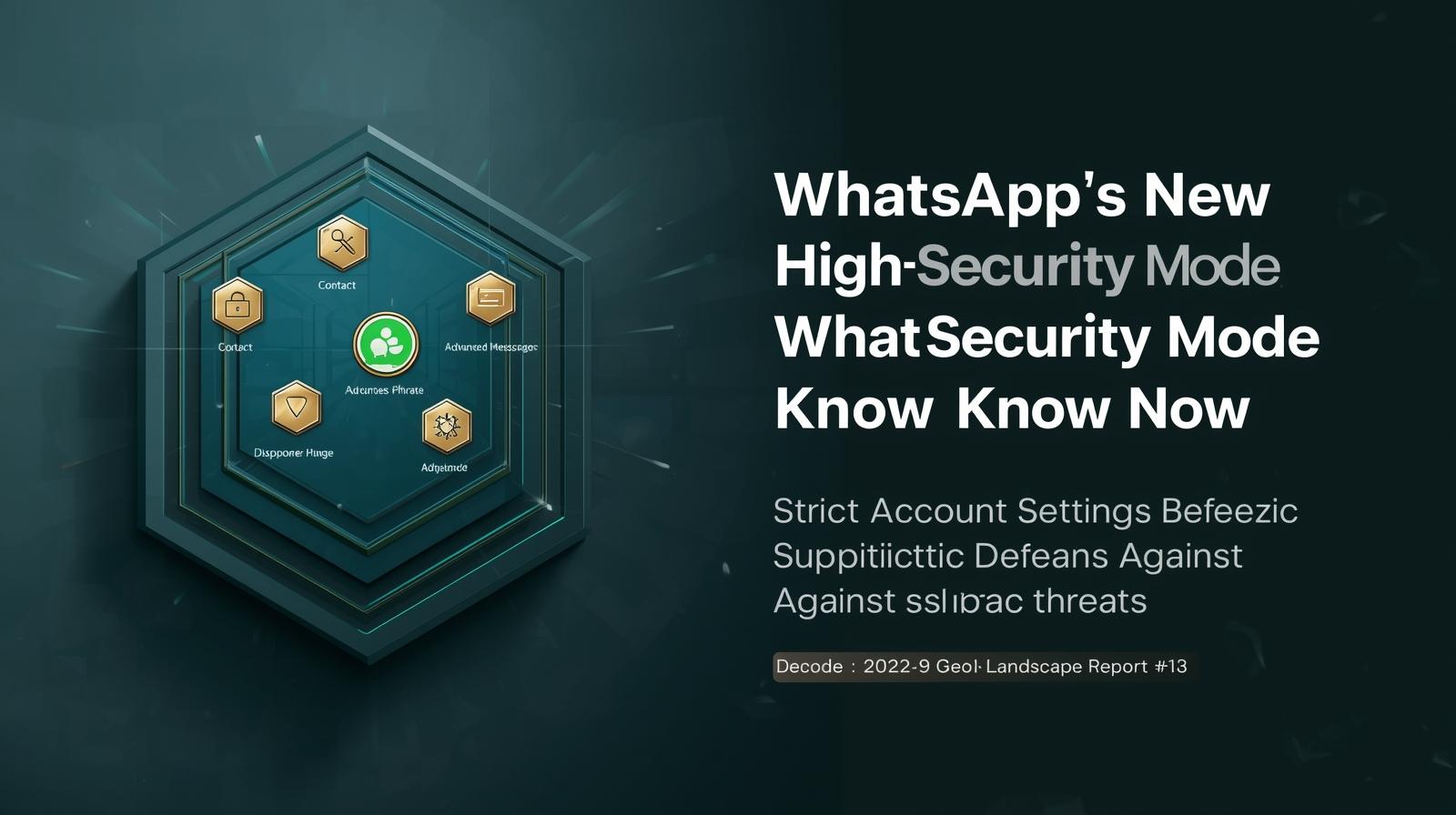
WhatsApp has introduced a new high-security mode — officially called Strict Account Settings — to give users an optional, one-tap way to drastically reduce their exposure to advanced cyberattacks, phishing, and exploitation vectors. Unlike ordinary settings you tweak one-by-one, this mode locks in the strongest current protections the app offers, trading off some usability for tighter security. It’s rolling out gradually via Settings > Privacy > Advanced and is aimed at anyone who wants maximum protection against targeted threats.
This launch ties into broader trends in secure communications: rising user demand for privacy controls, regulatory scrutiny of encrypted platforms, and competitive pressure from apps like Signal that tout robust security as a core selling point.
What Strict Account Settings Actually Does
A Feature-By-Feature Breakdown
Strict Account Settings — WhatsApp’s new high-security mode — combines multiple defensive measures under one toggle, simplifying what used to require manual configuration:
- Blocks media and attachments from unknown contacts: Photos, videos, voice notes, and documents won’t be delivered if they come from numbers not in your address book.
- Silences calls from unfamiliar numbers: Incoming calls from unknown senders are silenced, lowering your exposure to audio-based scam or exploit attempts.
- Disables link previews: Link previews (which can leak metadata such as your IP address) are turned off.
- Limits group invites: Only contacts you’ve saved can add you to group chats, preventing unsolicited spam additions that often lead to malicious links.
- Hides profile and presence info: “Last seen,” profile photos, status, and other personal fields become visible only to contacts.
- Enforces stronger account protections: Two-step verification is turned on automatically and stays enabled, and you receive alerts if key security settings change.
Activating the mode essentially pushes all available privacy and safety tweaks to their strictest settings in a single step, without requiring users to hunt through menus.
What This Mode Doesn’t Change
It’s important to clarify what Strict Account Settings does not do:
- Encrypted messaging is already default: WhatsApp chats have been end-to-end encrypted using the Signal protocol for years; this mode does not alter that fundamental guarantee.
- Metadata collection remains unchanged: WhatsApp (Meta) still processes connection metadata (who you communicate with, when, and message size), which is outside the scope of this feature.
- It’s not mandatory: The mode is optional and aimed at users who want extra defense. Most people may never need it.
In other words, this isn’t a change in WhatsApp’s security architecture so much as a packaged, harder configuration profile for those willing to trade convenience for reduced attack surface.
WhatsApp vs. Other Secure Messaging Platforms
How the Secure Messaging Landscape Looks
| Feature / App | Encryption Default | Advanced Security Mode | Metadata Minimization | Open Source | Ease of Use |
|---|---|---|---|---|---|
| End-to-end ✔ | Strict Account Settings ✔ | Metadata collected | Closed | Very easy | |
| Signal | End-to-end ✔ | Always strict ✔ | Minimal metadata | Open | Easy |
| Telegram | End-to-end optional | No built-in lockdown | Metadata collected | Partially open | Very easy |
Notes: WhatsApp’s new mode improves its posture relative to standard encrypted messaging but still does not match Signal’s privacy-by-design model, which limits metadata collection, is fully open source, and does not require optional toggles to achieve maximum privacy.
Security vs. Usability: What You Give Up
Turning on Strict Account Settings comes with usability trade-offs that may include:
- Reduced media and document sharing: You won’t receive rich media from unfamiliar numbers unless they’re added to your contacts.
- Potential communication friction: Muting unknown callers and limiting links could hinder spontaneous connections with legitimate new contacts.
- Additional steps for account changes: With two-step verification enforced and alerts enabled, account recovery and device changes may require more steps.
These trade-offs are intentional: the mode targets situations where security outweighs convenience — for example, journalists, activists, politicians, and executives who may be targets of sophisticated cyber campaigns.
Why This Matters: Regulation and Competition
This rollout comes at a moment when encrypted messaging is under regulatory and public scrutiny. Governments — such as in the UK — have debated access provisions in law enforcement contexts, while privacy advocates push back against weakening encryption. WhatsApp’s new feature signals a willingness to offer enhanced defenses without compromising core end-to-end encryption.
It also reflects competitive pressure. Apps like Signal have long differentiated themselves on privacy and metadata minimization. WhatsApp’s move is not just defensive; it’s a response to a user base increasingly aware of digital risks and seeking stronger built-in protections.
Conclusion
WhatsApp’s new Strict Account Settings high-security mode is a meaningful addition for users who want stronger, layered protections against advanced threats. It bundles the most restrictive privacy options into a single toggle, lowering the barrier for users to secure their communications and reduce their digital attack surface.
However, it remains an optional enhancement — not a platform-wide shift to default maximum privacy — and does not alter baseline features like metadata handling or source transparency. Users weighing the security-usability trade-off should assess whether the extra restrictions align with their threat profile.
🔐 Is your messaging truly private? Download our free “Secure Messaging App Comparison Cheat Sheet” for 2026 to evaluate which platform and settings suit your needs best.
Related Resources
Internal Cyvack Guides
- TikTok Deploys AI Age-Verification Across Europe — Platform Policy and Privacy Implications
- A Step-by-Step Guide to Freezing Your Credit — Actionable Consumer Security Guidance
- Zero Trust Architecture in 2026: Why It’s Still Non-Negotiable
Official Platform Resources
WhatsApp Security
- WhatsApp Official Security Page: Strict Account Settings
- WhatsApp Privacy Policy and Settings Documentation
- WhatsApp Two-Step Verification Setup Guide
Alternative Messaging Platforms
- Signal Security Documentation
- Telegram Security and Privacy Features
- Element (Matrix) Security Overview
Privacy Advocacy Resources
- Electronic Frontier Foundation (EFF): Secure Messaging Guide
- Privacy International: Messaging App Comparisons
- Consumer Reports: Digital Privacy Guides
Technical Security Resources
Encryption Standards
- Signal Protocol Technical Documentation
- End-to-End Encryption Implementation Guides
- Metadata Protection Technologies
- Forward Secrecy and Future Secrecy Explained
Threat Protection
- Phishing and Social Engineering Defense
- Malicious Link Detection Systems
- Call Spoofing and Spam Prevention
- Media File Security Analysis
Regulatory Context
Global Privacy Regulations
- GDPR (EU) Messaging Platform Requirements
- CCPA/CPRA (California) Privacy Standards
- UK Online Safety Act Implications
- India’s Digital Personal Data Protection Act
Encryption Debates
- Law Enforcement Access vs. Encryption
- EARN IT Act and Similar Legislation
- International Encryption Policy Comparisons
- Platform Liability for Encrypted Content
Consumer Protection Resources
Security Awareness
- Digital Literacy for Secure Communication
- Recognizing and Reporting Security Threats
- Privacy Settings Optimization Guides
- Family and Business Security Best Practices
Account Protection
- Two-Factor Authentication Implementation
- Account Recovery Security Procedures
- Device Security for Messaging Apps
- Backup and Data Transfer Security
Comparative Analysis Tools
Feature Comparison Matrices
- End-to-End Encryption Implementation Comparison
- Metadata Collection Practices Database
- Security Feature Availability Tracking
- Platform Privacy Policy Analysis Tools
Risk Assessment Frameworks
- Personal Threat Modeling Templates
- Business Communication Security Assessment
- Journalist and Activist Security Checklists
- Executive Protection Communication Protocols
Platform Governance and Transparency
Transparency Reports
- Meta (WhatsApp) Transparency Reports
- Signal Transparency Reports
- Telegram Transparency Documentation
- Independent Security Audit Reports
Policy Development
- User Feedback and Feature Request Channels
- Security Bug Bounty Programs
- Community Governance Models
- Third-Party Security Review Processes
Future Trends and Developments
Technology Evolution
- Quantum-Resistant Encryption Migration
- Decentralized Messaging Protocols
- AI-Powered Threat Detection Integration
- Hardware Security Integration
Market Dynamics
- Platform Consolidation vs. Specialization
- Business Messaging Security Standards
- Government and Enterprise Messaging Solutions
- Interoperability and Federation Initiatives
Training and Education
User Education
- Secure Messaging App Tutorials
- Privacy Settings Configuration Workshops
- Threat Awareness Training Programs
- Digital Self-Defense Courses
Professional Training
- Corporate Communication Security Training
- Journalist Secure Communication Programs
- Government Secure Messaging Protocols
- IT Security Professional Messaging Security
Case Studies and Analysis
Security Incident Analysis
- WhatsApp Security Breach Case Studies
- Signal Security Implementation Analysis
- Telegram Security Model Evaluation
- Cross-Platform Security Comparison
User Experience Studies
- Security vs. Usability Trade-off Research
- Adoption Barriers for Security Features
- User Behavior and Security Setting Usage
-
Demographic Security Preference Analysis
Need help evaluating messaging security for personal or business use? Contact Cyvack for privacy assessments, platform selection guidance, and security configuration services.