Introduction
A new warning from Dutch intelligence is a useful reminder that secure messaging does not mean impossible to compromise.
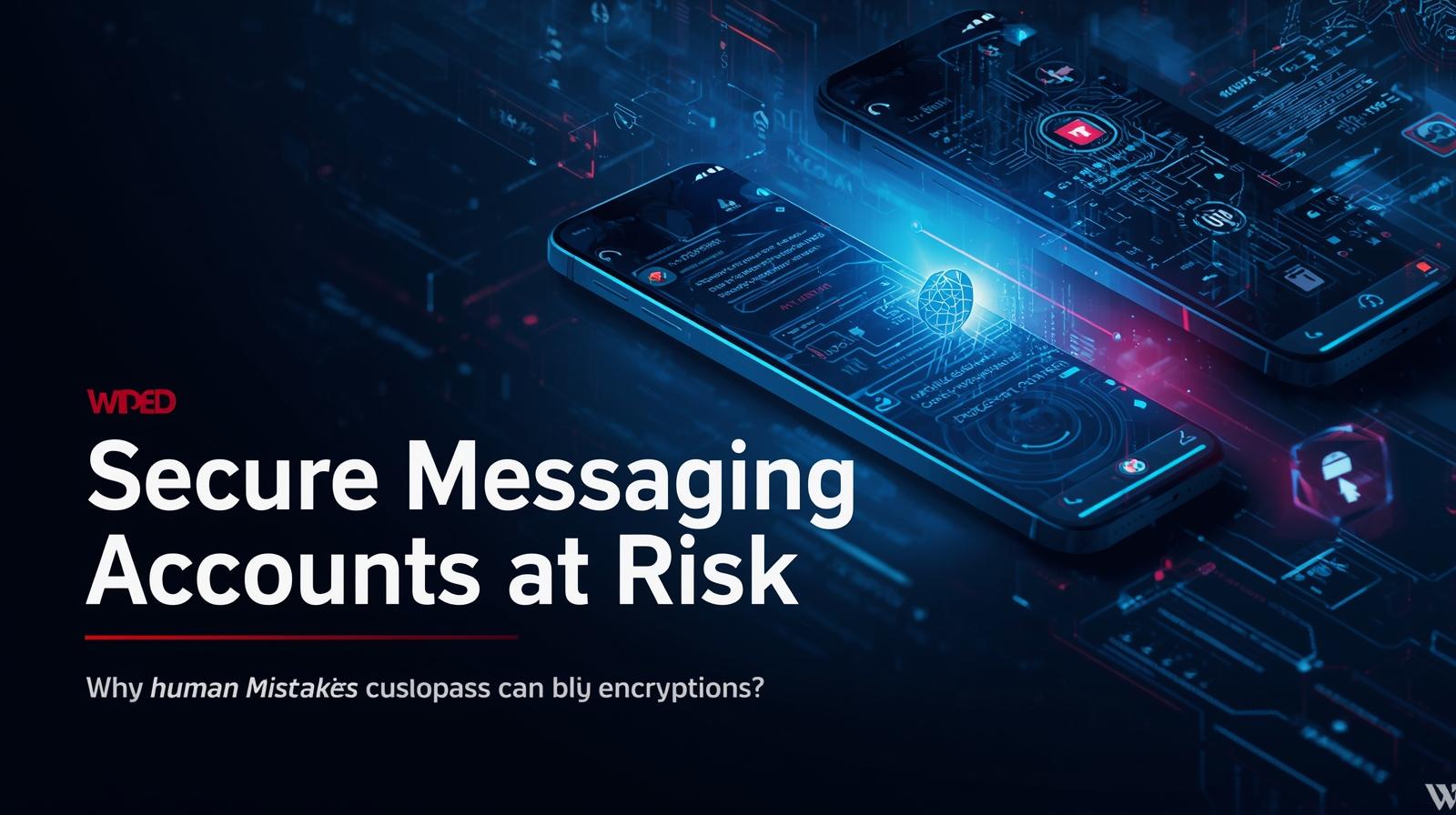
On March 9, Reuters reported that the Netherlands’ AIVD and MIVD said a Russian-backed campaign has been targeting officials, military personnel, journalists, and other high-risk users by tricking them into sharing verification codes and PINs for Signal and WhatsApp. The goal is not to break end-to-end encryption itself, but to hijack the account that sits behind it.
That distinction matters. Signal and WhatsApp can still provide strong end-to-end encryption, yet attackers can gain access anyway if they socially engineer the human being using the app. The Dutch advisory explicitly says the campaign concerns compromise of individual accounts, not a compromise of Signal or WhatsApp as platforms.
For journalists, NGOs, government staff, and privacy-conscious users, this is the real lesson: the weak point is often not cryptography, but account recovery, device linking, and trust. Once an attacker gets into the account, they may be able to read incoming messages, monitor group chats, and sometimes send messages as the victim.
How the Scam Works
Account takeover by verification code and PIN theft
According to the Dutch advisory, one common method is classic phishing dressed up as security support. Attackers pose as an official support team or chatbot, claim suspicious activity has been detected, and then ask the victim to share the verification code they receive by SMS.
In Signal-focused cases, the advisory says attackers also ask for the user’s PIN, which can let them take over accounts even when Registration Lock is enabled.
Reuters reported the same pattern: targets are persuaded in chats initiated by the attackers to divulge security verification and PIN codes, after which the attackers gain access to personal accounts and group chats.
For WhatsApp, the official help center distinguishes between the six-digit registration code and the separate two-step verification PIN, and warns users never to share either.
Linked-device and QR-code traps
The Dutch services also describe a second route: social engineering around linked devices. Attackers persuade victims to scan a QR code or click a link that appears to help join a group or add a contact, but actually links the attacker’s device to the victim’s Signal or WhatsApp account.
In that scenario, the victim may keep normal access and not immediately realize that someone else is reading the chats too.
That is part of why this tactic is so effective. Malware often leaves traces and may be blocked by mobile OS protections. A linked-device compromise can look like routine use of a legitimate app feature. The Dutch advisory says this can provide the attacker access to all chats, often including history, and the ability to send messages as the victim.
Can Signal or WhatsApp Accounts Be Hacked if the Apps Are Encrypted?
Yes, but the right way to say it is this: the account can be taken over even if the encryption is still intact.
The Dutch advisory explicitly states that the attackers are using legitimate app security functions combined with social engineering, and are not exploiting a compromise of Signal or WhatsApp themselves. Signal also said the recent incidents were targeted phishing attacks and that its encryption and infrastructure had not been compromised.
That means end-to-end encryption is still doing its job in transit. The failure happens at the human and account layer:
- the victim shares a code
- links a malicious device
- or is tricked into approving something they should not
This is why encrypted apps remain valuable, but not magical. Encryption protects message transport. It does not protect against a user handing the keys to an attacker.
Why This Works Better Than Malware Against High-Risk Targets
For sophisticated operators, social engineering can be cheaper, quieter, and more scalable than trying to deploy spyware.
Reuters said the targets included officials, military personnel, journalists, and Dutch government employees. Those are precisely the kinds of users who may be running updated phones, using hardened devices, or operating in environments where malware is harder to land.
Verification-code theft also has advantages for attackers:
- it uses ordinary app workflows people already recognize
- it can be done remotely
- it avoids burning expensive zero-days
- it can yield access to trusted one-to-one threads and group chats quickly
In other words, for high-risk targets, persuading the user is often easier than breaking the phone.
Signal vs WhatsApp: Which Protections Matter Most?
Signal: PIN and Registration Lock
Signal says its PIN helps recover profile, settings, contacts, and block list, and it can also serve as a registration lock. Signal’s support pages tell users not to share any codes, including SMS codes, PINs, or recovery keys, and specifically recommend enabling Registration Lock.
EFF’s Signal guide likewise says Registration Lock prevents a phone number from being registered on another device without the PIN.
The catch is important: if a victim is tricked into giving both the SMS verification code and the Signal PIN to the attacker, that extra protection can be bypassed because the attacker now has both pieces. The Dutch advisory calls this out directly.
WhatsApp: registration code and two-step verification PIN
WhatsApp’s official guidance says the six-digit registration code and the two-step verification PIN are different and that users should never share either.
WhatsApp recommends enabling two-step verification and adding an email address for recovery. EFF’s WhatsApp guide similarly recommends turning on two-step verification and notes that WhatsApp also supports passkeys.
That makes two-step verification one of the most useful defenses for ordinary users. It does not make phishing impossible, but it raises the bar, especially if the attacker only gets the SMS code and not the PIN.
Why Group-Chat Compromise Changes the Risk
A stolen messaging account is not just a private-account problem. In many organizations, the real value is inside group threads.
The Dutch advisory says attackers can gain access to group chats the compromised account belongs to and may send messages in the victim’s name. It also warns that in group chats, duplicate-looking members, slightly altered names, or an unexpected “Deleted account” identity can be signs of compromise.
If a group admin may be compromised, the advisory recommends leaving the group and creating a new one.
That changes the operational risk significantly:
- one phished person can expose many people
- sensitive discussions can leak without malware ever touching the device
- trusted group identity can be abused for follow-on phishing or misinformation
For journalists, activists, and public-sector staff, the risk is not only that one device is exposed. It is that one compromised account can become a bridge into an entire network of people.
Step-by-Step Account-Hardening Checklist
For everyone
1. Never share codes or PINs
Signal says never share SMS codes, PINs, or recovery keys. WhatsApp says never share your six-digit registration code or two-step verification PIN.
2. Turn on the strongest account-lock feature available
On Signal, enable Registration Lock. On WhatsApp, enable two-step verification and add a recovery email.
3. Audit linked devices regularly
The Dutch advisory tells users to check the linked-device list in Signal and WhatsApp and remove unknown devices immediately.
4. Treat QR codes and invite links as sensitive
Only scan a QR code when you are personally linking your own device. The Dutch agencies say this tactic is being used for both Signal and WhatsApp.
5. Verify unusual requests on another channel
If someone claims to be support or says your account is at risk, verify through a different trusted channel. Signal’s phishing guidance says when in doubt, verify through official channels.
For high-risk users
6. Minimize exposure of your phone number
The Dutch advisory recommends using a username rather than a telephone number where possible, or hiding the phone number, because reducing number exposure shrinks the attack surface. EFF’s Signal guide also notes that Signal usernames can help people find you without requiring them to know your phone number.
7. Consider disappearing messages
The Dutch services recommend enabling automatic disappearing messages so a compromise does not expose the entire chat history.
8. Do not use these apps for your most sensitive classified communications unless your organization approves them
The Dutch advisory says messaging apps should not be used for classified or sensitive information unless they are approved for that purpose by the organization. Reuters also quoted the MIVD director saying Signal and WhatsApp should not be used for classified, confidential, or sensitive information.
What to Do if You Think Your Account Was Compromised
The Dutch advisory says warning signs include receiving unexpected verification codes by SMS, strange behavior in the app, temporarily losing control of the account, duplicate contacts in groups, or unknown linked devices.
It urges victims to report quickly and warn contacts using another channel such as email or phone, because waiting increases the risk of further damage.
A practical response looks like this:
- Remove unknown linked devices immediately
- Re-secure the account using the strongest lock feature available
- Alert your contacts outside the app
- Ask group admins to remove suspicious members and, if needed, rebuild sensitive groups
- Escalate to your employer’s security team if this touches work, sources, or protected communities
The Bigger Lesson
This campaign is a strong example of why the future of messaging security is not just about better encryption.
It is also about safer account workflows, better anti-phishing design, less exposure of phone numbers, clearer linked-device controls, and user habits that assume deception is part of the threat model.
The Dutch intelligence warning, Signal’s guidance, WhatsApp’s support docs, and EFF’s recommendations all point in the same direction: strong encryption still matters, but account hygiene is what keeps that encryption attached to the right person.
Conclusion
The headline is dramatic, but the core lesson is simple: Signal and WhatsApp are not broken, yet they can still be compromised when attackers steal the human approval needed to take over an account.
That is why this Russian-backed campaign matters. It shows how secure messaging can fail at the human layer long before anyone needs exotic malware.
For most users, the best next steps are immediate: enable Registration Lock or two-step verification, audit linked devices, never share codes, and verify suspicious account messages through another channel.
For high-risk users, assume your account is part of your operational security perimeter, not just another app.
Internal Link Suggestions
- Prompt Injection Attacks Explained (And How to Stop Them)
- AI Jailbreaks Are Getting Smarter — Here’s How Attackers Bypass AI Safety Rules
- CISA Just Flagged Actively Exploited iPhone Flaws — What Apple Users Should Do Right Now
External Link Suggestions
- Reuters reporting on the Dutch intelligence warning
- AIVD/MIVD cybersecurity advisory on phishing via Signal and WhatsApp
- Signal support pages on phishing protection and Registration Lock
- WhatsApp Help Center articles on registration codes and two-step verification
- EFF Surveillance Self-Defense guides for Signal and WhatsApp