Introduction: The Hidden Danger in Plain Sight
QR codes have become a normal part of everyday life. People scan them to open restaurant menus, pay for parking, log in to services, and download apps. What was once a niche technology is now ubiquitous—found on tables, posters, parking meters, and even emails.
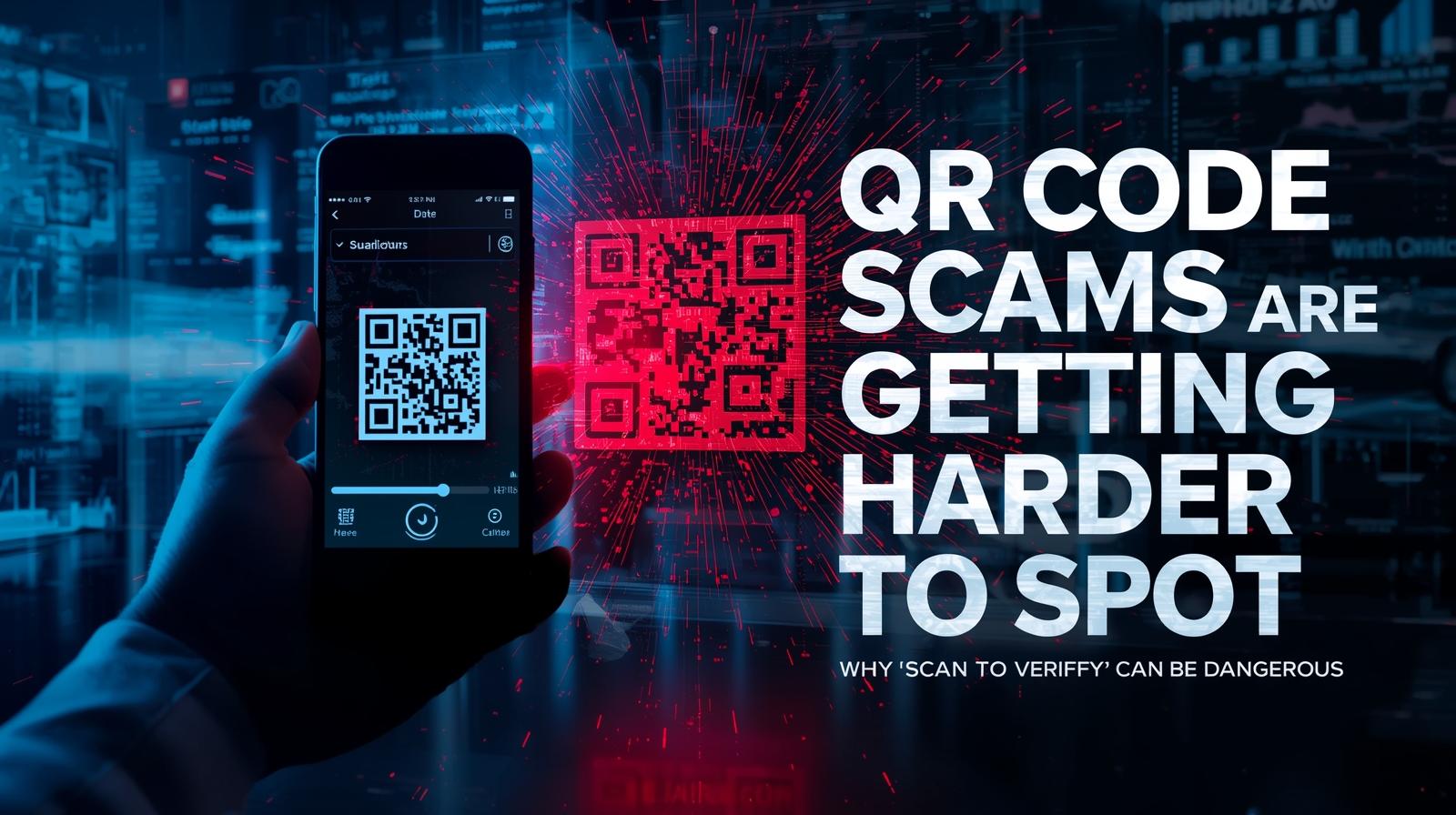
However, cybersecurity experts warn that the growing popularity of QR codes has also created a new type of phishing attack known as QR code phishing, sometimes called “quishing.”
Unlike traditional phishing emails, QR codes hide the destination link from users. This makes it harder to see whether a code leads to a legitimate website or a malicious one. When you scan a code with your phone, you’re placing trust in something you cannot see.
As QR codes appear more frequently in public spaces and digital communications, understanding how these scams work is becoming increasingly important. In 2026, quishing has evolved from a niche concern to a mainstream threat affecting consumers and enterprises alike.
How QR Code Phishing Works
QR code phishing attacks rely on tricking users into scanning codes that lead to malicious websites.
When a smartphone camera scans a QR code, the device automatically opens a link or performs an action such as downloading an app or opening a login page. This seamless experience is what makes QR codes convenient—and what makes them dangerous.
Attackers exploit this convenience by embedding harmful links inside QR codes.
The Typical Attack Process
| Step | Description |
|---|---|
| 1. Create a malicious website | Attackers build a fake site that imitates a legitimate service (banking, email, payment) |
| 2. Generate a QR code | The malicious URL is encoded into a QR code that looks normal |
| 3. Distribute the code | Codes are placed in locations where people expect legitimate ones—parking meters, restaurant tables, posters |
| 4. Victim scans | User scans the code, expecting a legitimate service |
| 5. Redirection | Phone opens the malicious link automatically |
| 6. Data theft | Victim enters credentials or personal information on fake site |
Once a user scans the code, they may be directed to a phishing page designed to steal login credentials, payment information, or personal data. In more sophisticated attacks, the code may trigger a download of malware onto the device.
Why QR Codes Are Effective for Phishing
QR code phishing exploits several human and technical factors:
| Factor | Why It Works |
|---|---|
| Trust in familiarity | People are accustomed to scanning codes without thinking |
| Hidden URLs | QR codes conceal the destination—no way to preview |
| Mobile context | Phones have smaller screens, making URL inspection harder |
| Implicit legitimacy | Physical placement suggests authenticity |
| Urgency | Parking payments, time-sensitive offers create pressure |
Real Examples of QR Code Scams
Security researchers and law enforcement agencies have reported several real-world cases of QR code phishing. These examples illustrate the diversity of quishing attacks.
Fake Parking Meter QR Codes
One common scam involves placing fake QR code stickers on public parking meters.
Drivers scanning the code may be directed to a website that appears to be a parking payment service—often with convincing branding and interface. Instead of paying the parking fee, the victim may unknowingly submit payment details to attackers.
In some cases, the fake site captures both payment information and personal data. The driver walks away believing they’ve paid, only to discover later that their card was used fraudulently.
Location: Major cities worldwide Target: Payment information, credit card details Method: Physical sticker overlay on legitimate meters
Malicious Restaurant QR Menus
Many restaurants replaced printed menus with QR codes during the pandemic, and the practice has continued. Diners scan a code at their table to view the menu, order food, or pay the bill.
In some cases, attackers have replaced legitimate QR codes with fake ones that lead to phishing websites or malware downloads. Customers may not notice the difference because the code appears normal—just another square on the table.
The attack scenarios vary:
- Menu phishing: Fake menu site asks for email or phone to “access”
- Payment redirection: Bill payment goes to attacker instead of restaurant
- Malware download: Code triggers download of malicious app disguised as restaurant app
- Credential theft: Fake login page for restaurant rewards program
Customers may not realize they’ve been scammed until days later when fraudulent charges appear.
QR Codes in Emails and Messages
Cybercriminals are also embedding QR codes inside phishing emails.
Instead of including a suspicious link that might be caught by email filters, the message instructs the recipient to scan the code using their phone. The email might claim:
- “Scan this code to view your invoice”
- “QR code required for security verification”
- “Access your document by scanning the code below”
- “Confirm your account with this QR code”
Because QR codes hide the actual URL, it becomes harder for users to identify malicious links before opening them. Email security tools that scan for malicious links cannot easily analyze what’s inside a QR code image.
Fake Package Delivery QR Codes
With the rise of parcel deliveries, attackers have created QR code scams around fake delivery notifications.
A victim receives a physical note or email claiming a package could not be delivered, with a QR code to “reschedule delivery.” Scanning leads to a phishing site requesting personal information or payment for redelivery fees.
Crypto Wallet QR Scams
In the cryptocurrency space, QR codes are commonly used for wallet addresses. Attackers have been known to replace legitimate wallet QR codes with their own, redirecting payments to attacker-controlled wallets.
This scam has appeared on:
- Physical donation boxes
- Online payment pages
- Social media posts
- Conference materials
Public Wi-Fi QR Codes
Some attackers have placed QR codes in cafes and airports claiming to offer “free Wi-Fi access.” Scanning leads to a captive portal that either steals credentials or installs malware.
Why QR Codes Hide Dangerous Links
One reason QR phishing is effective is that QR codes hide the actual destination address.
Unlike normal links that show the website URL—allowing users to hover, inspect, or at least glance at the domain—a QR code only displays a pattern of black and white squares. There is no visual clue about where it leads.
Users often scan codes without verifying where the link goes. The convenience of “just scan” overrides security caution.
Technical Blind Spots
| Challenge | Why It Matters |
|---|---|
| No URL preview | Most cameras don’t show URL before opening |
| URL shortening | Codes can use shortened links that hide true destination |
| Redirect chains | Initial link may redirect to final malicious site |
| Mobile limitations | Small screens make domain inspection difficult |
| Auto-open behavior | Many phones open links automatically after scan |
Domain Spoofing
Once scanned, the device may automatically open the link in a browser. Attackers may also use domain names that closely resemble legitimate websites to make the phishing page appear convincing.
Common techniques include:
- Typosquatting: googIe.com (capital I instead of l)
- Subdomain tricks: secure.google.com.phishing.com
- Homograph attacks: Using Cyrillic characters that look like Latin
- Brand in path: google.com.phishing-page.com/login
The combination of hidden URLs and convincing fake domains makes quishing particularly dangerous.
Warning Signs of QR Code Scams
Although QR codes themselves do not show a URL, there are several warning signs that may indicate a phishing attempt.
Unexpected QR Codes
If a QR code appears in an unusual location or seems unrelated to the service it claims to provide, it may be suspicious.
For example, random QR codes placed on street signs, public posters, or unattended surfaces could be part of a scam. Legitimate organizations typically place codes in consistent, branded locations.
Ask yourself:
- Does this code belong here?
- Is this how this service normally works?
- Am I being rushed to scan?
Sticker Overlays
Attackers sometimes place fake QR code stickers over legitimate ones.
If a code appears damaged, tampered with, or poorly attached, it may have been replaced. Look for:
- Misaligned stickers
- Different paper quality or finish
- Codes that seem raised or added after the fact
- Multiple codes in the same location
Suspicious Login Requests
If scanning a QR code leads to a login page asking for credentials, it is important to verify the website address carefully.
Legitimate services rarely require immediate login after scanning a QR code in public spaces. Be especially wary if:
- The page asks for passwords without context
- The URL looks unusual or misspelled
- There are no security indicators (lock icon, valid certificate)
- The design seems slightly off
Requests for App Downloads
Be cautious of QR codes that trigger app downloads, especially from outside official app stores. Malicious apps can steal data, display ads, or lock devices.
Poor Quality or Design
Legitimate organizations invest in professional materials. QR codes that appear pixelated, blurry, or poorly printed may indicate a scam.
How to Scan QR Codes Safely
Although QR codes can be convenient, following basic safety practices can help reduce risks.
Verify the Destination URL
Many smartphones display a preview of the website before opening it. Look for this feature and use it.
- On iPhone: After scanning, a banner appears showing the URL before opening
- On Android: Preview may appear depending on camera app and settings
- Third-party scanners: Many QR scanner apps show the URL before loading
Check the domain name carefully before proceeding. If the URL looks unusual, misspelled, or unfamiliar, avoid opening it.
Use Your Camera’s Built-in Scanner
Modern smartphones have QR scanning built into the default camera app. These built-in scanners often provide better security than third-party apps, which may have their own vulnerabilities or data collection practices.
| Platform | Built-in Scanner |
|---|---|
| iOS | Camera app (since iOS 11) |
| Android | Google Lens or camera app (varies by manufacturer) |
| Samsung | Camera app with Bixby Vision |
Avoid Scanning Random Codes
QR codes placed in unknown or public locations should be treated with caution. If a service requires a QR code scan, confirm it is provided by a trusted source.
- In restaurants: Ask staff if they have a legitimate QR code
- At parking meters: Check if the code looks professionally attached
- On posters: Verify the organization exists and the offer seems real
Use Official Apps or Websites
When possible, access services directly through official apps or websites instead of scanning codes.
Typing the website address manually can help avoid phishing attempts. For example, instead of scanning a code to pay for parking, use the official parking app or website.
Enable “Ask Before Opening” Settings
Some QR scanner apps and phone settings allow you to control whether links open automatically. Enabling confirmation prompts gives you a chance to review the URL.
Be Cautious with Login Codes
QR codes for login purposes (common with WhatsApp Web and similar services) should only be scanned when you have explicitly initiated the login process yourself.
Never scan a login QR code from an unexpected email, message, or physical location.
Keep Devices Updated
Smartphone operating systems such as Android and iOS regularly introduce security updates that improve protection against malicious links and phishing attempts.
Keeping devices updated helps ensure these protections remain active.
Use Security Software
Mobile security apps can provide additional protection:
- Malware scanning for downloaded files
- Phishing site blocking in browsers
- Safe browsing features that warn about dangerous sites
- App scanning to detect malicious applications
Enterprise Concerns: Quishing in the Workplace
QR code phishing is not just a consumer threat—it’s increasingly targeting organizations.
How Enterprises Are Targeted
| Vector | Description |
|---|---|
| Physical office placement | Fake codes in lobbies, break rooms, meeting rooms |
| Email attachment codes | QR codes in PDFs or images sent to employees |
| Printed materials | Fake conference materials, training documents |
| Vendor communications | QR codes in fake invoices or statements |
Risks to Organizations
- Credential theft leading to network access
- Malware installation on corporate devices
- Data exfiltration via malicious sites
- Financial fraud through payment redirection
- Account takeover of business accounts
Protecting Your Organization
| Measure | Implementation |
|---|---|
| Employee training | Include quishing in security awareness programs |
| Email filtering | Scan attachments for QR codes in phishing emails |
| Mobile device management | Control app installations and browsing |
| Physical security | Monitor for unauthorized QR code placement |
| Incident reporting | Clear process for reporting suspicious codes |
Why QR Code Phishing Is Increasing
Several factors are driving the growth of QR code phishing attacks.
QR Codes Are Everywhere
QR codes are now widely used in:
- Restaurants and cafes
- Public transportation systems
- Parking meters
- Advertisements and posters
- Event tickets
- Product packaging
- Business cards
- Emails and newsletters
Because scanning QR codes has become routine, many users do not think twice before scanning one. This familiarity creates opportunities for attackers to introduce malicious codes without raising suspicion.
Bypassing Traditional Defenses
QR codes offer attackers a way to bypass security controls:
| Defense | How QR Codes Bypass |
|---|---|
| Email link scanning | Links inside images not analyzed |
| URL filtering | Code scanned on mobile, not corporate network |
| User training on links | Training focuses on text URLs, not QR codes |
| Web filtering | Mobile devices may not have same protections |
Mobile Device Security Gaps
Mobile devices often have less robust security than corporate workstations:
- Fewer users have mobile security software
- Phones may not receive security updates promptly
- Users are accustomed to scanning with personal devices
- BYOD environments blur personal and corporate risk
Psychological Factors
- Trust in physical presence — A code on a printed poster feels more legitimate than an email link
- Convenience bias — Scanning is easier than typing, so users do it without thinking
- Limited screen real estate — Harder to inspect URLs on small screens
- Urgency creation — Parking expiring, limited-time offers create pressure
Case Study: The Parking Meter Quishing Campaign
The Attack
In 2025, a coordinated QR code phishing campaign targeted drivers in multiple cities across North America and Europe.
Attackers printed high-quality QR code stickers that mimicked legitimate parking payment services. These stickers were placed over existing QR codes on parking meters and pay stations.
The Scale
| Metric | Figure |
|---|---|
| Cities affected | 15+ |
| Estimated stickers placed | Thousands |
| Duration | 3 months before detection |
| Potential victims | Tens of thousands |
The Method
- Attackers created fake parking payment websites with convincing branding
- QR codes linking to these sites were printed on adhesive stickers
- Stickers were placed over legitimate parking meter QR codes overnight
- Drivers scanned codes expecting to pay for parking
- Fake sites collected payment card details and personal information
- Stolen cards were used for fraudulent purchases
The Aftermath
- Local authorities issued public warnings
- Parking operators increased physical inspections
- Some cities removed QR codes entirely from meters
- Affected drivers faced fraudulent charges
- Law enforcement investigation yielded few arrests
Lessons Learned
- Physical QR codes can be tampered with
- Users should verify payment URLs carefully
- Official apps are safer than scanning codes
- Regular inspection of public codes is necessary
Technical Deep Dive: How QR Codes Work
Understanding the basics of QR codes helps explain the security implications.
QR Code Structure
QR (Quick Response) codes store information in a matrix of black and white squares. Common data types include:
- URLs (most common in phishing)
- Plain text
- Contact information (vCards)
- Wi-Fi network credentials
- Email addresses
- Phone numbers
- SMS messages
- App store links
Encoding and Decoding
When a phone scans a QR code:
- Camera captures the code image
- Software interprets the pattern
- Data is extracted (e.g., URL string)
- Action is performed (open browser, add contact)
The process is entirely automated—the user sees only the result, not the underlying data.
Malicious Payloads
QR codes can contain various malicious payloads:
| Payload Type | Risk |
|---|---|
| Phishing URL | Credential theft |
| Malware download link | Device compromise |
| Malicious app store link | App-based malware |
| Wi-Fi credential theft | Network access |
| Payment request | Financial fraud |
| Phone number dialer | Premium rate scams |
The Future of QR Code Security
Dynamic QR Codes
Some organizations use dynamic QR codes that can be updated remotely. While convenient, this creates security challenges—a compromised code could be changed to point to malicious sites after deployment.
QR Code Authentication
Emerging standards may include:
- Digitally signed QR codes
- Visible verification markers
- App-based code validation
- Blockchain-based tracking
User Education
As quishing becomes more common, public awareness campaigns are essential. Just as “don’t click suspicious links” became standard advice, “verify before scanning” should become routine.
Technical Protections
- Browser warnings for known phishing sites
- Mobile security apps with QR scanning protection
- URL expansion services showing full links before opening
- Enterprise mobile management controlling scan behavior
Conclusion: Scan Smart, Stay Safe
QR codes offer a quick and convenient way to access websites and services, but they can also hide malicious links used in phishing attacks.
Cybercriminals are increasingly using QR code scams to trick users into visiting fake websites and revealing sensitive information. From fake parking meters to malicious restaurant menus, quishing is now a mainstream threat.
By verifying URLs, avoiding suspicious codes, and using trusted sources, users can reduce the risk of falling victim to QR phishing attacks.
As QR codes continue to appear in everyday environments—on tables, meters, posters, and emails—staying cautious when scanning them is an important part of online security.
Remember these key principles:
- Preview before opening — Check the URL when possible
- Be skeptical of unexpected codes — Especially in public places
- Use official apps instead of scanning — When alternatives exist
- Keep devices updated — Security patches matter
- Trust your instincts — If something feels off, don’t scan
The convenience of QR codes doesn’t have to come at the cost of security. A moment of caution before scanning can prevent months of dealing with identity theft or financial fraud.
📱 Stay safe from quishing. Download our QR Code Safety Guide with visual examples of scam codes, step-by-step verification tips, and mobile security settings to protect yourself.
Related Resources
Internal Cyvack Guides
- “Hackers Are Using AI to Clone Websites for Phishing — Why Fake Sites Look More Real Than Ever”
- “Your Email Address Is Probably in a Data Breach — Here’s How Hackers Use It”
- “Malicious Browser Extensions Are Stealing User Data — Why Your Chrome Add-Ons Could Be a Risk”
- “Hackers Are Targeting Cloud Storage Accounts — How Attackers Steal Files From Google Drive and Dropbox”
- “QR Code Scams Are Spreading — Why Scanning Random Codes Can Be Dangerous”
QR Code Security Resources
Consumer Guidance
- FTC: QR Code Scams
- FBI PSA: Cybercriminals Using QR Codes
- CISA: QR Code Security
- Better Business Bureau: QR Code Scams
- NCSC: QR Code Guidance
Technical Resources
Mobile Security
iOS Security
Android Security
Mobile Security Apps
Phishing Awareness
General Phishing Resources
- Phishing.org: How to Recognize Phishing
- CISA: Phishing Guidance
- APWG: Phishing Activity Trends
- Anti-Phishing Working Group
QR-Specific Phishing
Enterprise Security
Mobile Device Management
Security Awareness Training
- SANS Security Awareness
- KnowBe4 Training Modules
- Proofpoint Security Awareness
- Cofense Phishing Education
Law Enforcement Resources
Reporting QR Code Scams
If you encounter a suspicious QR code:
- Do not scan it
- Note the location and appearance
- Report to the business or facility where found
- File a report with law enforcement if appropriate
- Alert the platform (Google, Apple) if related to app stores
Have questions about QR code security? Contact Cyvack for consumer guidance or enterprise security assessments.