Introduction
Most people think of their online accounts as separate—your email, your social media, your banking apps, your subscriptions. But in reality, many of these accounts are quietly connected behind the scenes.
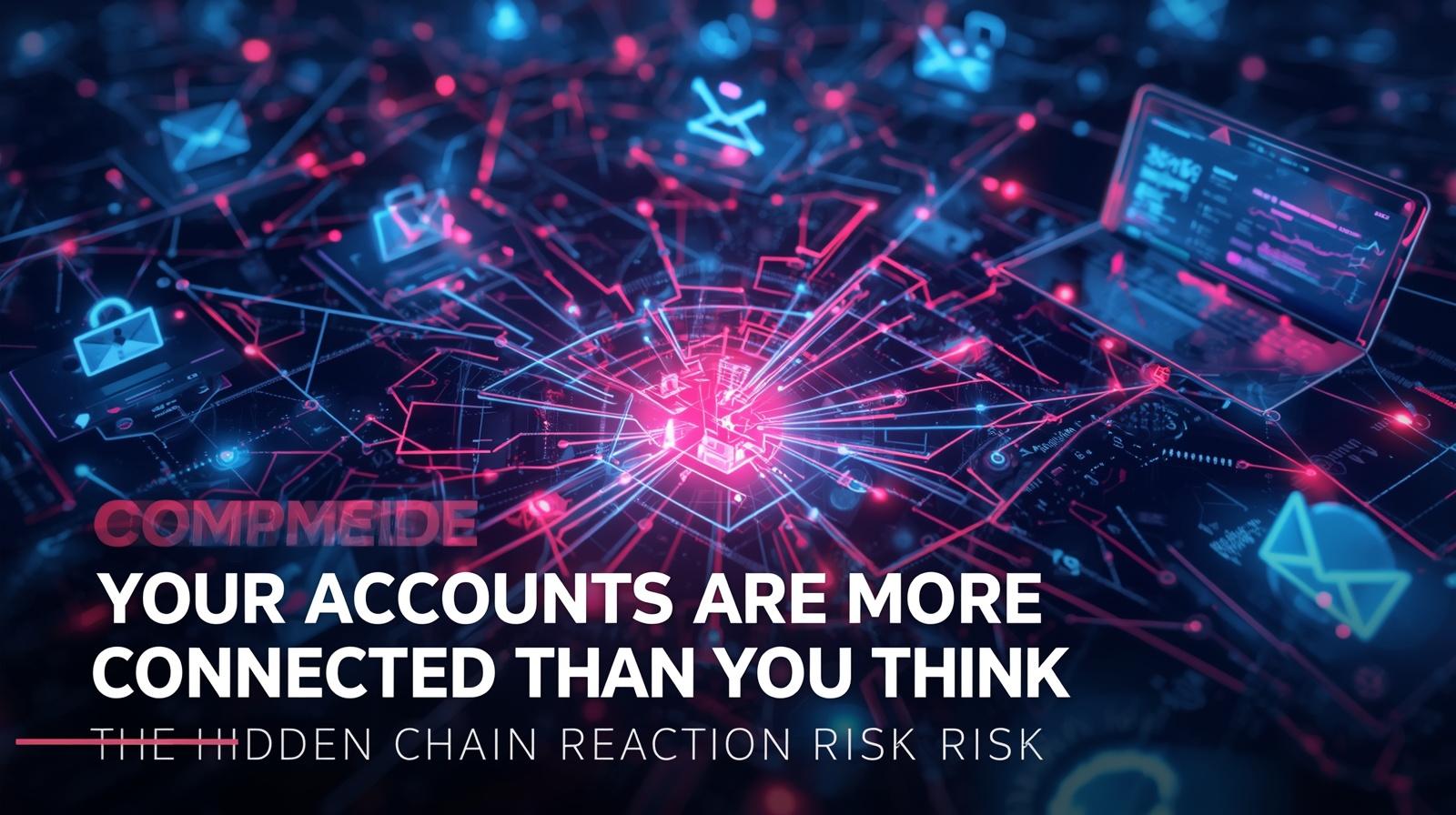
This hidden connection creates a risk that’s often overlooked: if one account is compromised, it can trigger a chain reaction that affects many others.
Understanding how this works is key to protecting your digital identity.
How Online Accounts Become Connected
Over time, your accounts become linked in ways that aren’t always obvious.
Common connections include:
- Email accounts used for registration and password resets
- Phone numbers linked for verification and recovery
- Social logins used to access multiple platforms
- Shared passwords reused across different services
- Single sign-on (SSO) connecting multiple services
- Third-party integrations linking apps to your accounts
Individually, these connections seem convenient. Together, they form a network—where one weak point can affect everything else.
Types of Account Connections
| Connection Type | How It Works | Risk Level |
|---|---|---|
| Email for password resets | Email can reset other accounts | High |
| Phone for 2FA | SMS codes go to your phone | High |
| Social login | Facebook/Google logs into other apps | Medium |
| Password reuse | Same password across accounts | High |
| Third-party apps | Apps access your account data | Medium |
| Recovery accounts | Alternative email for recovery | Medium |
How One Compromised Account Can Affect Others
If an attacker gains access to just one key account, they may be able to move through your digital ecosystem.
For example:
- Access to your email can allow password resets on other accounts
- Control of your phone number can intercept verification codes
- Access to a social account can be used to log into connected apps
- Breached password can be tried on other services
- Compromised recovery options can be changed to lock you out
This creates a chain reaction, where one breach leads to multiple account takeovers.
The Domino Effect
- Attacker compromises Account A (weak password, data breach)
- Account A contains or links to Account B (email, phone, social login)
- Attacker uses Account A to access Account B
- Account B reveals information about Account C
- Multiple accounts are compromised from one entry point
Real-World Chain Reaction Scenarios
These risks are not theoretical—they reflect how many real account takeovers happen.
Scenario 1: Email Access
An attacker gains access to your email (weak password, phishing, data breach). They search for:
- “password reset”
- “welcome” or “account created”
- “bank” or “credit card”
Within minutes, they:
- Reset passwords for multiple services
- Lock you out by changing recovery options
- Access banking, social media, and shopping accounts
Scenario 2: Phone Number Control
If your number is taken over (SIM swap attack), verification codes sent via SMS can be intercepted.
This allows attackers to:
- Bypass SMS-based two-factor authentication
- Reset passwords using phone verification
- Access accounts protected only by SMS
Scenario 3: Social Login Exposure
If a social account used for login is compromised (Facebook, Google), any connected apps may also become accessible.
Attackers can:
- Log into apps you forgot about
- Access data stored in those apps
- Use connected apps to find more information
Scenario 4: Password Reuse
A service you used years ago gets breached. You used the same password on other accounts.
Attackers use credential stuffing to:
- Try the same email/password on Gmail, Facebook, Amazon
- Gain access to your primary accounts
- Repeat the chain reaction
Why People Underestimate This Risk
Most users focus on protecting individual accounts rather than understanding how they are connected.
This happens because:
- Connections between accounts are not always visible — you don’t see the links
- Each service feels independent — they seem separate
- Convenience often outweighs caution — linking is easier
- Security is viewed in isolation rather than as a system
- Out of sight, out of mind — connections fade from memory
As a result, the bigger picture—how everything links together—is often missed.
Why Email and Phone Are the Most Critical Links
Some accounts play a more important role than others.
Email Accounts
- Used for password resets on most services
- Store account-related information (confirmations, receipts)
- Act as a central hub for your digital life
- Often the first target for attackers
Phone Numbers
- Used for two-factor authentication (especially SMS)
- Linked to account recovery systems
- Often trusted by default by platforms
- Can be hijacked through SIM swapping
If either of these is compromised, the impact can spread quickly.
The Central Hub Problem
Think of your email and phone as keys to your digital life:
- Lose your email → lose ability to reset passwords
- Lose your phone → lose access to verification codes
- Attacker gains either → gains ability to take over everything
How to Reduce Chain Reaction Risk
You don’t need to disconnect everything—but reducing unnecessary links can make your accounts more resilient.
Key Steps
1. Use unique passwords for each account
- Never reuse passwords across services
- Use a password manager to generate and store them
- This stops credential stuffing attacks
2. Avoid linking critical accounts through social login
- Use dedicated email/password for important accounts
- Banking, healthcare, email should have separate credentials
3. Enable two-factor authentication (2FA) where possible
- Use authenticator apps or hardware keys
- Avoid SMS-based 2FA when possible
- Critical for email and phone-linked accounts
4. Regularly review connected apps and remove unused ones
- Google Account → Third-party access
- Facebook → Apps and Websites
- Remove anything you don’t use
5. Keep your email and phone number especially secure
- Strong, unique password for email
- 2FA on email account
- PIN on mobile carrier account (prevent SIM swap)
- Avoid sharing phone number unnecessarily
6. Use separate recovery options
- Different email for recovery on critical accounts
- Don’t use the same recovery email everywhere
- Store backup codes securely
Create Separation Between Accounts
One of the most effective strategies is reducing dependency.
For example:
- Use a dedicated email for sensitive accounts (banking, healthcare)
- Avoid reusing login methods across services
- Keep recovery options updated and secure
- Don’t link all accounts through one provider
Creating separation helps prevent a single failure from affecting everything else.
Account Connection Audit Checklist
Use this checklist to understand and reduce account connections:
- List all accounts you actively use
- Identify which accounts use the same email for password resets
- Check which accounts have your phone number for 2FA
- Review connected apps on Google Account
- Review connected apps on Facebook/Apple
- Check for password reuse across accounts
- Enable 2FA on email, banking, and social accounts
- Add PIN to mobile carrier account
- Remove unused linked services
- Use different email for sensitive accounts
Simple Habits That Improve Security
- Periodically review account connections — set a reminder every 3-6 months
- Remove old or unused linked services — don’t let them accumulate
- Monitor login alerts and unusual activity — act quickly if notified
- Stay cautious with permissions and recovery options — don’t grant unnecessary access
- Use a password manager — makes unique passwords easy
- Enable 2FA everywhere possible — especially email and phone-linked accounts
Frequently Asked Questions
Q: How can I see what accounts are connected to my email?
Search your email for “welcome,” “verify,” and “password reset.” These reveal services you’ve signed up for.
Q: What’s the most important account to protect?
Your email account. It’s the key to resetting most other passwords.
Q: Should I use social login for everything?
No. Use social login for less important services. Use dedicated credentials for critical accounts like banking.
Q: How do I protect my phone number from SIM swap?
Add a PIN or passcode to your mobile carrier account. This prevents unauthorized transfers.
Q: Can I recover accounts if I lose both email and phone?
It’s much harder. Keep backup codes stored securely and use recovery options wisely.
Q: What’s credential stuffing?
Attackers take usernames and passwords from data breaches and try them on other popular services.
Q: How often do chain reaction attacks happen?
Very commonly. Many account takeovers start with a compromised email or reused password.
Q: Is two-factor authentication enough?
2FA greatly reduces risk, but SMS-based 2FA can be bypassed if your phone number is hijacked. Use authenticator apps or hardware keys.
Final Thought
Your online accounts may feel separate, but they are often part of a connected system.
When one account is compromised, it can open the door to many others—sometimes within minutes.
Key takeaways:
- Email and phone are your most critical links
- Password reuse creates cascading risks
- Social login connects accounts invisibly
- Regular reviews reduce exposure
- Separation between accounts limits damage
By understanding these connections and reducing unnecessary links, you can prevent a small breach from turning into a much larger problem.
🔗 Break the chain reaction. Download our “Account Security Audit Guide” with step-by-step instructions for securing your connected accounts.
Related Resources
Internal Cyvack Guides
- Your Old Emails Could Be a Security Risk — Why Inbox History Matters More Than You Think
- Your Old Accounts Could Be a Security Risk — Why Dormant Accounts Get Hijacked First
- Signing in With Google or Facebook Could Be Risky — What Most People Don’t Realize
- Your Password Manager Could Be a Target — The Risk Most Users Overlook
- Your Phone’s Location Data May Be Sold More Often Than You Think — Why App Permissions Matter
Security Resources
Connected App Reviews
- Google: Third-party apps with account access
- Facebook: Apps and Websites
- Apple ID: Sign in with Apple
- Microsoft: Connected apps