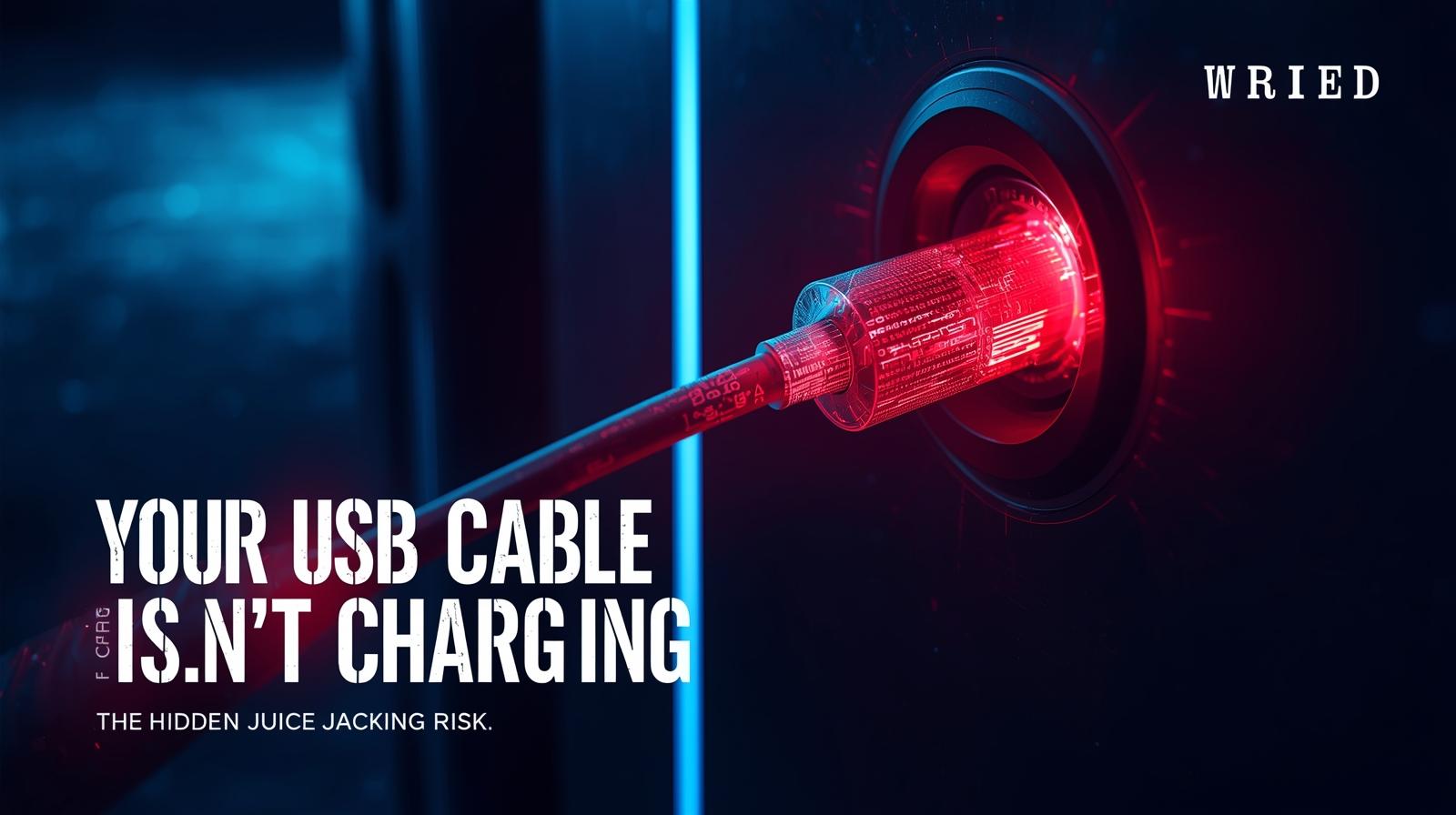
📌 Introduction
Charging your phone in public places feels harmless.
Airports, shopping centres, hotels, and cafes often provide free USB charging stations — a convenient solution when your battery is low.
But behind that convenience lies a lesser-known risk:
👉 Your USB connection doesn’t just transfer power — it can also transfer data.
This is where a type of attack known as “juice jacking” comes in.
While not an everyday threat, understanding this risk helps you make smarter choices about where and how you charge your devices.
⚡ How USB Connections Actually Work
Most people assume a charging cable only delivers electricity.
In reality, USB cables are designed to handle both:
- Power transfer (charging your device)
- Data transfer (files, commands, communication)
This means that when you plug your phone into a USB port, you are potentially allowing data exchange, not just charging.
The USB Standard
USB (Universal Serial Bus) was designed from the beginning to be a universal connector for both power and data.
- USB 2.0, 3.0, and newer standards all support data transfer
- The same pins that carry power can also carry data
- Your device may automatically attempt to negotiate a data connection when plugged in
Why This Matters
When you plug into an unknown USB port, you’re essentially:
- Connecting your device to an unknown computer
- Potentially allowing that computer to communicate with your phone
- Trusting that the port is just a power source
🧨 What Is Juice Jacking?
Juice jacking is a cyber attack where a compromised USB port or cable is used to:
- Steal data from your device
- Install malware
- Gain unauthorized access
- Inject malicious commands
Instead of a safe charging station, you may unknowingly connect to a malicious system designed to exploit your device.
The Term’s Origin
The term “juice jacking” was coined by security researchers to describe this specific type of attack—”juice” for power, “jacking” for stealing or hijacking.
🕵️ How Attackers Set Up Fake Charging Stations
Attackers can modify charging stations or cables in several ways.
🔸 Compromised Public Charging Ports
A normal-looking USB port is connected to a hidden computer system rather than just a power source.
How it works:
- The port looks identical to legitimate charging stations
- Behind the wall or kiosk, a small computer (like a Raspberry Pi) is connected
- When you plug in, your device may attempt to negotiate a data connection
- The hidden system can then attempt to access your data or install malware
🔸 Malicious USB Cables
Some cables contain tiny embedded chips that can:
- Send commands to connected devices
- Act like a keyboard (HID attacks)
- Execute pre-programmed scripts
- Capture data passing through
Real example: The “O.MG Cable” looks like a normal charging cable but contains a hidden Wi-Fi-enabled attack platform.
🔸 Fake Charging Kiosks
In high-traffic areas, attackers may deploy their own stations disguised as legitimate ones.
Warning signs:
- Kiosks that look out of place
- Missing branding from legitimate providers
- Signs with poor grammar or design
- Charging stations in unusual locations
🔸 Left-Behind Cables
Attackers may leave malicious cables in public places, hoping curious users will pick them up and use them.
📂 Data Theft vs Malware Installation
There are two main risks involved.
🔓 1. Data Theft
Attackers may attempt to access:
- Contacts and call history
- Photos and videos
- Files and documents
- Stored credentials
- Messages and emails
- Notes and personal information
How it happens: When connected, the hidden system may attempt to mount your device’s storage and copy files.
🦠 2. Malware Installation
More advanced attacks can:
- Install spyware and monitoring software
- Inject malicious apps
- Create persistent backdoor access
- Deploy ransomware
- Capture keystrokes and screen activity
How it happens: The system may attempt to push malicious software to your device, often exploiting vulnerabilities or tricking users into accepting installations.
The “Trust This Computer” Prompt
In some cases, users may see a prompt like:
👉 “Trust this computer?”
Accepting this can grant significant access to your device, including:
- Full media access
- File system access
- Backup capabilities
- App data syncing
If you see this prompt at a public charging station, decline immediately and unplug.
⚖️ Is Juice Jacking a Real Threat?
There’s often debate around how common juice jacking actually is.
✔️ What’s True
- The technology does exist and is well-documented
- Proof-of-concept attacks have been successfully demonstrated
- Malicious cables and devices are commercially available
- Security researchers have shown the technique works
- Law enforcement and security agencies have issued warnings
⚠️ What’s Less Common
- Large-scale real-world attacks are relatively rare
- Most public charging stations are legitimate
- You’re more likely to encounter other risks (like malware downloads or phishing)
Known Incidents
While documented mass attacks are limited, there have been reports of:
- Compromised charging stations in airports and hotels
- Malicious cables found in public spaces
- Security conference demonstrations showing the ease of attack
- Corporate espionage attempts using this technique
🧠 The Takeaway
It’s a low-frequency but high-impact risk — which makes it worth being cautious.
You probably won’t encounter it, but if you do, the consequences could be significant.
🛡️ How to Charge Your Phone Safely
You don’t need to avoid public charging completely — just be smart about it.
✔️ Use Your Own Wall Charger
Plug directly into a power outlet instead of a USB port.
Why this works: A standard electrical outlet only provides power, with no data connection.
Best practice: Carry a compact wall charger with you.
✔️ Carry a Power Bank
A simple and safe alternative when you’re on the go.
Benefits:
- You control the power source
- No data connection involved
- Can charge multiple times
- Works anywhere, anytime
✔️ Use a USB Data Blocker
These small devices (also called “USB condoms”) allow power only and block data transfer.
How they work:
- Connect between your cable and the charging port
- Physically disable the data pins
- Only power pins remain connected
Where to get them: Available online from security retailers and electronics stores.
✔️ Avoid Unknown Cables
Only use cables you trust — not ones provided in public places.
Why: You don’t know if a cable has been tampered with or contains malicious components.
✔️ Don’t Accept Data Connection Prompts
If your phone asks to “trust” a computer or allow data access, decline it.
Remember: A legitimate charging station should never ask for data access.
✔️ Keep Your Device Locked
A locked device reduces the risk of unauthorized access.
Even better: Turn off your device while charging in public places.
✔️ Use Charging-Only Cables
Some manufacturers sell cables that only support charging, with data pins disconnected.
✔️ Consider Wireless Charging
If your device supports wireless charging, this eliminates the physical USB connection entirely.
Note: Wireless charging is generally safer, but ensure you’re using a legitimate charging pad.
Safe Charging Checklist
Use this checklist when charging in public:
- Carry your own wall charger and cable
- Use a power bank when possible
- Have a USB data blocker ready
- Decline “Trust this computer” prompts
- Keep device locked or powered off
- Inspect charging stations for tampering
- Use charging-only cables if available
- Consider wireless charging options
- Be wary of free USB cables left in public
- Trust your instincts—if it looks suspicious, don’t use it
What to Do If You Suspect a Juice Jacking Attempt
If You Plugged In Briefly
- Disconnect immediately
- Run a security scan on your device
- Check for unusual activity (new apps, settings changes)
- Change passwords for important accounts
- Monitor accounts for suspicious activity
If You Accepted “Trust This Computer”
- Disconnect immediately
- Consider your device potentially compromised
- Back up important data (to a trusted computer)
- Factory reset if you’re concerned about malware
- Change all passwords from a trusted device
- Enable two-factor authentication on accounts
If You Notice Unusual Device Behavior
- Battery draining faster than normal
- Unfamiliar apps appearing
- Strange pop-ups or messages
- Increased data usage
- Slower performance
These could indicate malware infection.
Special Considerations
For Travelers
Airports and hotels are common locations for charging stations.
Travel tips:
- Always carry a power bank for long trips
- Use the AC outlets in airports, not USB ports
- Be extra cautious in foreign countries
- Consider a data blocker essential travel gear
For Business Professionals
Corporate espionage is a real concern.
Business tips:
- Company policies should address public charging
- Provide employees with secure charging options
- Consider mobile device management (MDM) solutions
- Educate staff about the risks
For Event Attendees
Conferences and conventions often have charging stations.
Event tips:
- Charging stations at events may be sponsored but not necessarily secure
- Use your own power solutions when possible
- Be wary of “free” cables or chargers given as swag
The Future of USB Charging Security
USB-C and Improved Standards
USB-C offers more capabilities but also more potential attack surfaces.
Developments:
- Some devices now show data connection prompts by default
- Operating systems are adding better security warnings
- Hardware manufacturers are improving isolation
Industry Responses
- Some public charging stations now advertise “charging only” service
- Hotels and airports are becoming more aware of risks
- Security companies offer testing for public charging infrastructure
🧠 The Bottom Line
USB charging is more powerful than it seems.
What looks like a simple power connection can also act as a data gateway.
While juice jacking isn’t something most people encounter daily, it highlights an important principle:
👉 Convenience can sometimes come with hidden risks.
Key Takeaways
- USB cables can transfer both power and data
- Attackers can compromise charging stations or cables
- Risks include data theft and malware installation
- Simple precautions can protect you
- Awareness is your best defense
🔎 Final Thought
In a world where devices are constantly connected, even something as simple as charging your phone deserves attention.
Staying safe doesn’t require fear — just a little awareness and smarter habits.
The next time you’re in an airport with a low battery, you don’t need to panic. Just remember: your own charger, a power bank, or a simple data blocker can keep you safe while powering up.
🔋 Stay charged and stay safe. Download our “Public Charging Safety Guide” with visual guides and product recommendations.
Related Resources
Internal Cyvack Guides
- Your Phone’s Wi-Fi Is Scanning Even When You’re Not Connected — The Privacy Risk Most Users Miss
- Your Phone’s Bluetooth Could Be Tracking You — The Hidden Privacy Risk Few Users Notice
- Smartphone Sensors Can Reveal More About You Than You Think — The Data Apps Quietly Collect
- Your Password Manager Could Be a Target — The Risk Most Users Overlook
- Your Browser Autofill Could Be Leaking Personal Data — The Hidden Security Risk Most Users Ignore
Security Resources
USB Security
- USB Implementers Forum - USB technical specifications
- CISA: Juice Jacking Alert - Official guidance
- FTC: Public Charging Warning - Consumer advice
Data Blockers and Safe Charging
Technical Information
How USB Works
- USB Power Delivery Standards
- USB Data Transfer Protocols
- USB On-The-Go (OTG) Explained
- USB-C Alternate Modes
Attack Demonstrations
- DEFCON Juice Jacking Demos
- O.MG Cable Research
- BadUSB Attack Vector
- Security Conference Presentations
Product Recommendations
Data Blockers
- PortaPow USB Data Blocker
- SyncStop
- Various security-focused USB adapters
Power Banks
- Anker PowerCore Series
- RAVPower Portable Chargers
- Mophie Powerstation
Charging-Only Cables
- PortaPow Charging Cables
- PolarPro Charge-Only Cables
- DIY options (tap over data pins)
Frequently Asked Questions
Q: How common is juice jacking?
While documented attacks exist, juice jacking is not extremely common. However, the potential impact makes it worth taking precautions.
Q: Can juice jacking happen with USB-C?
Yes, USB-C supports data transfer just like older USB standards. The risk exists with any USB connection.
Q: Does wireless charging eliminate the risk?
Yes, wireless charging uses electromagnetic induction with no data connection, making it safer than wired charging.
Q: Are airport charging stations safe?
Most are legitimate, but it’s impossible to guarantee. Using your own charger or power bank is safer.
Q: Can I tell if a charging station is compromised?
Not easily. Attackers can make malicious stations look identical to legitimate ones.
Q: What about charging in my car’s USB port?
Car USB ports vary. Some only provide power, others support data (like Apple CarPlay or Android Auto). Know your vehicle’s system.
Q: Does a data blocker work with all USB types?
Data blockers are available for USB-A, USB-C, and other common connectors. Ensure you get the right type for your needs.
Q: Can I use a USB condom on a USB-C to USB-C connection?
Yes, data blockers are available for USB-C connections as well.
Glossary of Terms
- Juice Jacking: Attack using compromised USB charging stations
- Data Blocker: Device that blocks data pins while allowing power
- USB Condom: Slang term for data blocker
- HID Attack: Attack where device impersonates a keyboard
- BadUSB: Malicious USB device that impersonates other devices
- O.MG Cable: Commercially available attack cable
- Power Bank: Portable battery for charging devices
- Data Pins: USB connector pins responsible for data transfer
Travel Safety Tips
Before traveling:
- Pack your own charger and cable
- Bring a power bank
- Carry a data blocker
During travel:
- Use AC outlets when available
- Be cautious of public USB ports
- Never accept “trust this computer” prompts
After travel:
- Monitor devices for unusual behavior
- Run security scans if concerned