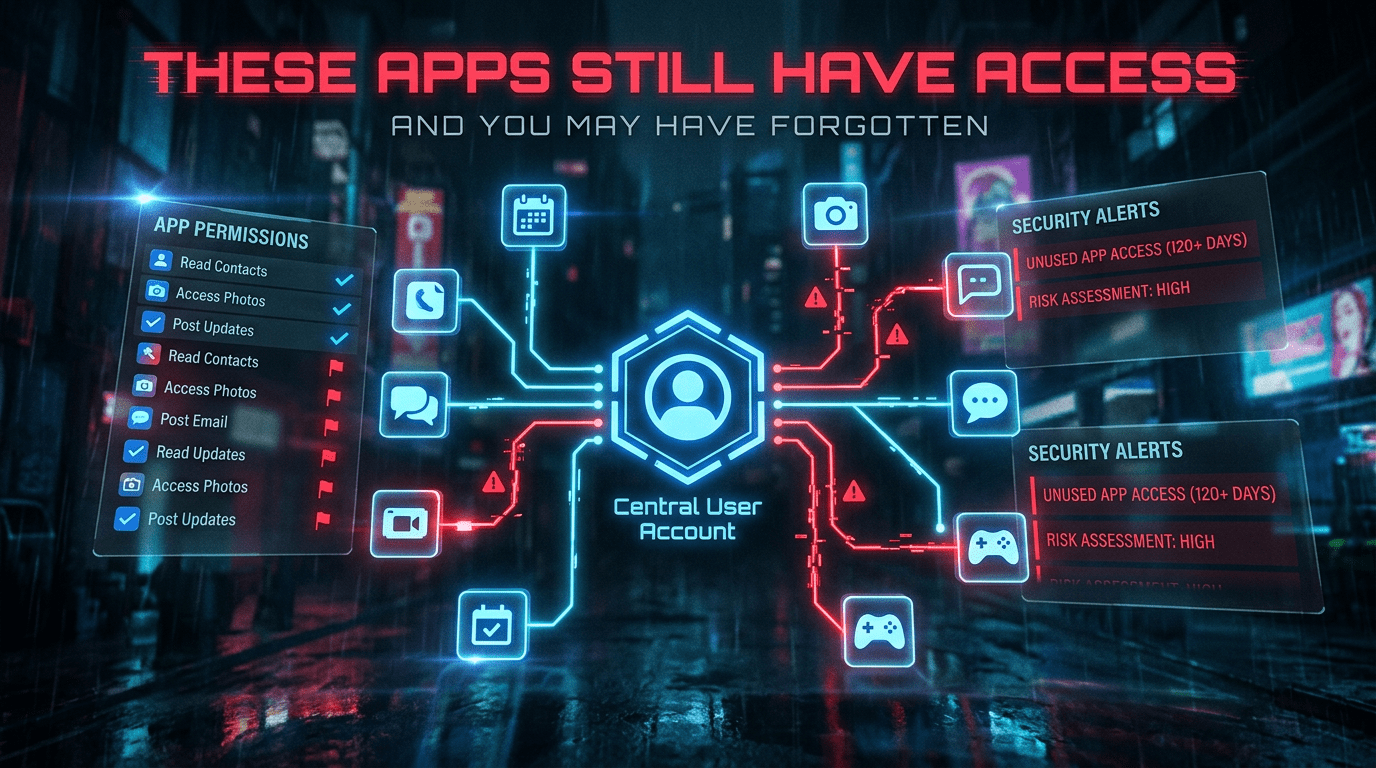
How To Review Third-Party App Access Before It Becomes a Security Problem
A lot of account security advice focuses on the obvious things.
Passwords. Two-factor authentication. phishing. suspicious logins.
All of that matters, but there is another part of account security that often gets far less attention than it deserves: the long list of third-party apps, tools, and services you quietly connected months or years ago and never looked at again.
That is a real blind spot.
Most people do not think of connected apps as active risk. They think of them as one-time convenience decisions. You signed in with Google, linked a calendar tool, connected a shopping service, added a browser extension, approved a productivity app, gave a social platform access to another account, and moved on.
The problem is that access often stays long after the reason for it disappears.
That means your account may still be sharing data, permissions, or login pathways with services you barely remember using.
This guide is about how to review that access properly, what kind of risk actually matters, and how to clean it up without breaking the things you still need.
What “third-party app access” actually means
When people hear “connected app,” they often think only of obvious social logins.
But third-party access is broader than that.
It can include:
- apps signed in with your Google, Apple, Microsoft, or Meta account
- services linked to your email or calendar
- cloud tools connected to your storage account
- browser extensions tied to your online activity
- shopping, productivity, finance, or automation tools using account permissions
- old integrations with messaging, social, or file-sharing platforms
- “sign in with” connections you approved without creating a separate password
In simple terms, third-party app access means another service has some level of permission to interact with part of your digital life.
Sometimes that access is small and harmless.
Sometimes it is broader than people realize.
Why this matters more than people think
A connected app does not need full control of your main account to become a problem.
In many cases, it only needs enough permission to expose useful information, weaken privacy, or give someone another path into your data flow.
That might mean access to:
- your email basics
- your contacts
- your calendar
- your cloud files
- your account identity
- your social profile
- your messages or posting permissions
- your shopping or work integrations
One old connection may not look like much. But over time, these links pile up. Some were approved for short-term use. Some were attached to projects that ended long ago. Some belong to services you stopped trusting. Some are tied to accounts you no longer monitor closely.
The risk grows quietly because the access feels invisible.
The real problem is not just malicious apps
When people hear warnings about connected apps, they often imagine obviously shady software.
That can happen, but it is not the only issue.
A legitimate service can still become a security problem if:
- you no longer use it
- you forgot it still has access
- its permissions are broader than necessary
- the company changes over time
- the app gets acquired
- your account use has changed since you first approved it
- you connected it casually and never reviewed it again
This is why app access deserves routine review even when the service was not “bad” at the beginning.
The problem is often age, neglect, and unnecessary trust.
Why old connections become riskier over time
A third-party connection often starts in a specific moment.
You needed to import something, sync something, automate something, or avoid creating another password. At the time, the decision made sense.
But digital relationships age badly when nobody reviews them.
What once felt useful may now be:
- unnecessary
- too broad
- tied to a service you abandoned
- attached to an old workflow
- out of step with your current privacy expectations
That is why app access is not a “set it once and forget it forever” kind of setting.
The right question is not just, “Did I trust this then?”
The better question is, “Would I approve this same access today?”
A real-world example
Imagine someone signs into a task app with their main Google account two years ago.
The app gets calendar access, profile details, and some drive permissions. It works fine for a few months, then the person stops using it. The app stays connected anyway. Later, they sign into other tools the same way: a note-taking service, a scheduling app, a browser extension, and a social media helper.
Each connection felt small at the time.
Now imagine that person has never reviewed any of them.
Their main account may still be linked to several services they no longer actively use, some with more permissions than they would be comfortable granting today. Nothing has to be “hacked” dramatically for this to become a weak point. The issue is that unnecessary access remains alive in the background.
That is exactly the kind of risk people overlook because it does not feel urgent.
What to look for when reviewing connected apps
This is where most advice gets too vague.
A useful review should not just mean staring at a list of app names. You are trying to answer a few practical questions.
1. Do I still use this service?
If not, that is the first sign the access should probably go.
2. Do I remember approving this?
If the app name means nothing to you, that deserves attention.
3. What kind of access does it have?
Some apps only know basic profile information. Others can read files, manage calendars, or post on your behalf.
4. Does the level of access still make sense?
Something you accepted quickly two years ago may feel too broad now.
5. Is this tied to an important central account?
Access connected to your main email or cloud account deserves more scrutiny than access tied to a throwaway profile.
That is the review mindset that actually helps.
Which accounts should you check first
You do not need to audit everything at once.
Start with the accounts that matter most if something goes wrong:
1. Your main email ecosystem account
Usually Google, Apple, or Microsoft.
2. Cloud storage
Anything tied to documents, photos, or sensitive files.
3. Main social accounts
Especially if apps can post, message, or access profile data.
4. Calendar and productivity accounts
These often reveal routines, meetings, and important personal context.
5. Financial or shopping-related accounts
Especially if they connect to budgeting, subscriptions, or saved transaction context.
The more central the account, the more seriously you should take old app access.
What to remove first
If you want a practical cleanup order, start by removing access for apps that are:
- no longer used
- no longer recognized
- tied to old projects or jobs
- clearly broader than necessary
- connected to sensitive accounts without a good reason
- duplicated by better tools you use now
- left over from convenience sign-ins you barely remember
This is one of those areas where less is usually better.
You do not win anything by keeping a long list of old app permissions alive just in case.
Will revoking access break anything?
Sometimes, yes.
That is part of why people avoid cleaning this up. They worry about accidentally disconnecting something useful.
That concern is fair, but it should not become a reason to keep everything forever.
A practical way to approach it is:
- remove what you clearly do not use
- keep what is still genuinely useful
- expect that some apps may ask you to reconnect if needed later
- treat reconnection as a conscious decision, not a reason to avoid review
If a service is important enough to keep, it is important enough to reconnect deliberately.
That is usually a healthier setup than indefinite background trust.
Why this is also a privacy issue, not just a security issue
Connected apps are not only about break-ins.
They are also about ongoing visibility.
Even if a third-party service never becomes “compromised,” it may still receive more information than you are comfortable sharing. That can affect:
- your routines
- your contacts
- your files
- your account identity
- your preferences
- your behavioral patterns
This is where privacy and security overlap.
The issue is not just whether someone malicious uses the access. It is also whether the access is justified at all.
That is why reviewing third-party access is one of the simplest ways to reduce unnecessary digital exposure.
A practical review checklist
If you want the short version, use this:
Start with your most important accounts
Review your main Google, Apple, Microsoft, cloud, social, and calendar-linked services first.
Remove what you do not use
Old apps should not keep live access out of habit.
Look at permissions, not just names
A harmless-looking app can still have broad access.
Be stricter with central accounts
The more important the account, the fewer unnecessary connections it should carry.
Treat re-approval as a fresh decision
If you need it later, reconnect it deliberately.
That is already enough to reduce a lot of hidden account risk.
The bigger lesson
A lot of digital security problems do not come from one dramatic mistake.
They come from old trust that never expired.
Third-party app access is a perfect example. Most of these connections begin as convenience decisions. The trouble starts when convenience quietly becomes long-term exposure and nobody goes back to check what is still attached.
That is why this kind of review matters.
It is not glamorous. It is not urgent in the way a breach feels urgent. But it closes some of the quietest weak points people carry around without realizing it.
Final thought
If your most important accounts have not had their connected apps reviewed in a long time, there is a good chance they are still sharing access more broadly than they should.
That does not mean you need to distrust every integration.
It means you should stop treating old permissions as invisible.
A short review can remove forgotten access, reduce unnecessary exposure, and make your accounts feel like they belong to you again instead of to every service you ever linked in a hurry.