EDUCATIONAL PURPOSE DISCLAIMER: This article discusses cybersecurity topics strictly for educational and awareness purposes. We do not encourage illegal activity.
Introduction: A Widespread AI Chat Data Heist
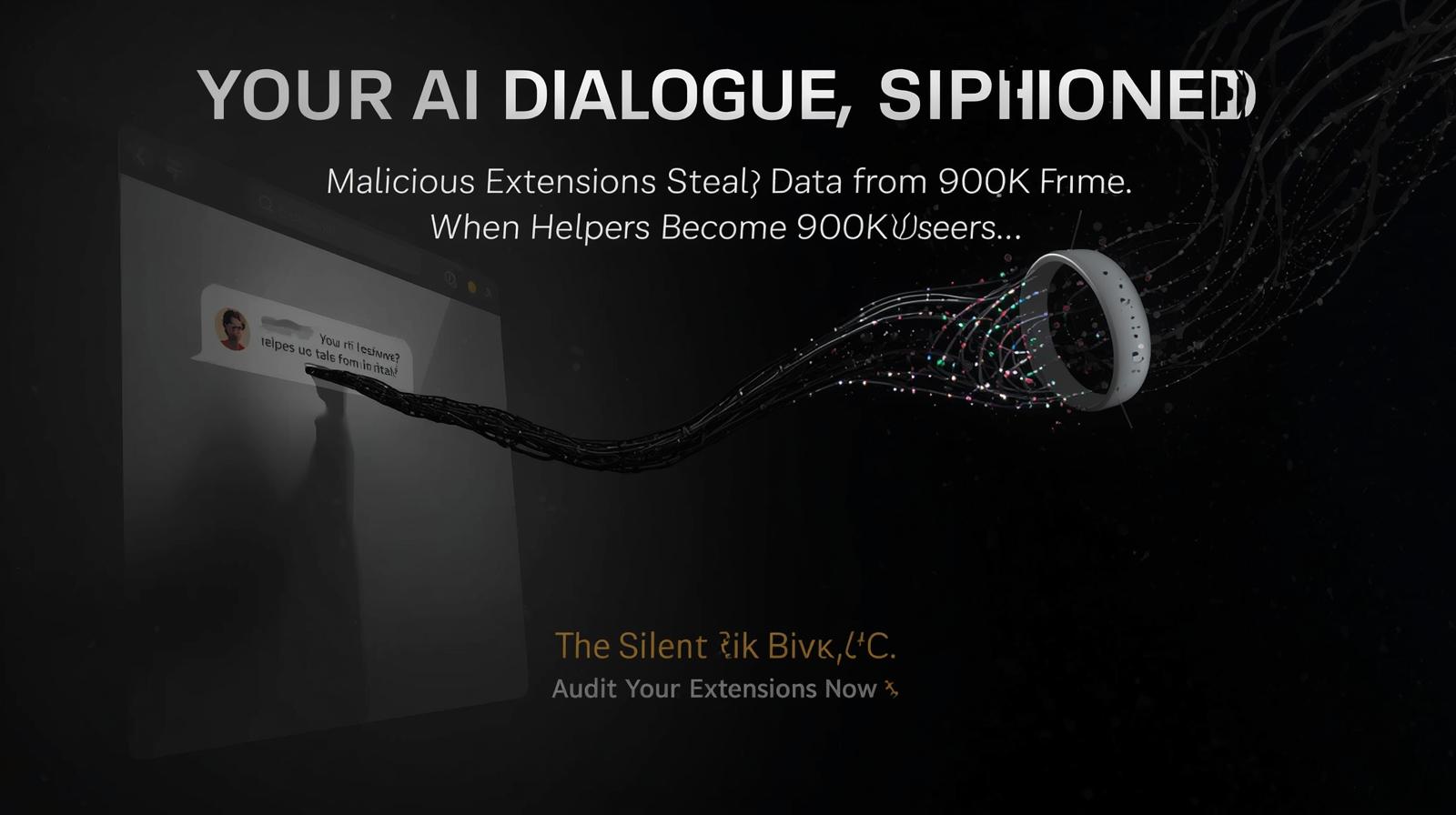
Security researchers have uncovered a large-scale privacy breach in which two malicious Chrome extensions quietly stole conversation histories and browsing activity from users interacting with OpenAI’s ChatGPT and DeepSeek. Collectively, these extensions were downloaded around 900,000 times before being removed, and they routinely exfiltrated sensitive chat data and tab URLs to attacker-controlled servers, according to OX Security’s disclosure.
This isn’t a vulnerability in the AI platforms themselves — it’s a browser-side supply-chain attack. By exploiting the trust users place in Chrome add-ons, threat actors have turned the very tools people install to enhance productivity into stealthy data exfiltration channels.
Inside the Heist: How Extensions Silently Siphon Your AI Chats
Deceptive Distribution & Trust Abuse
The attackers masqueraded their extensions as legitimate AI assistant tools, impersonating the branding and interface of a known extension associated with AITOPIA. This helped them bypass user suspicion and rack up hundreds of thousands of installs.
One of the malicious add-ons even once held Google’s Featured badge — normally meant to signal quality and trustworthiness — highlighting how platform signals can be abused.
Stealthy Monitoring & Data Capture
Once installed, the extensions requested seemingly innocuous permissions (e.g., “anonymous analytics”), but behind the scenes they used standard browser APIs like chrome.tabs.onUpdated to:
- Monitor when users visited ChatGPT and DeepSeek pages
- Read the document object model (DOM) to extract full chat content (prompts and AI responses)
- Collect all open tab URLs and browsing context
- Encode and transmit this data to command-and-control (C2) servers roughly every 30 minutes
Because the data was taken directly from the rendered page, attackers didn’t need to break into the AI service — they abused users’ own browser sessions.
A Dual Impact: Personal Privacy and Corporate Catastrophe
For Individuals
- Highly sensitive personal queries — about health, finances, relationships, or identity — may have been exposed
- Blackmail and extortion become viable if private or compromising conversations are leaked
- Identity theft risk rises sharply, since chat histories often include personal identifiers and context
For Enterprises: A Silent IPO of Secrets
When employees interact with AI services using corporate devices or networks, stolen data may include:
- Source code snippets and development prompts
- Internal project strategy discussions
- M&A planning or confidential business analyses
- Customer data and proprietary models
Since browser extensions operate on the user’s device, these exfiltrated communications bypass many traditional perimeter defenses like firewalls or DLP tools — creating a new, unmanaged data loss vector for organizations.
Immediate Action: How to Protect Your AI Interactions Now
For All Users
Audit & Purge Unnecessary Add-Ons
- Go to
chrome://extensions/ - Remove any extension you don’t recognize — especially anything linked to ChatGPT, AI assistants, or productivity helpers
- Review remaining extensions’ permissions critically
Prefer Official Apps Over Browser Tools
- Use official desktop or mobile AI clients instead of browser extensions when possible, reducing reliance on third-party code
- Consider using AI services through their official websites without additional extensions
Separate Browser Profiles
Create dedicated Chrome profiles for sensitive AI work distinct from general browsing. This limits the scope of what any single extension can access.
Enterprise Action Plan: Locking Down the Browser
Whitelist Approved Extensions Only
- Leverage Chrome Browser Cloud Management or similar enterprise controls to block all extensions except those explicitly approved and vetted
- Implement automated scanning for unauthorized extensions on corporate devices
Define an AI Usage Policy
- Mandate that employees avoid sharing confidential data with consumer AI services unless protected by enterprise controls
- Encourage use of enterprise-grade AI platforms with strong privacy and logging capabilities
- Require approval for any third-party AI tools integrated into workflows
Train Employees on Extension Risks
Educate employees that browser extensions are equivalent to unvetted software. They should:
- Check permissions carefully before installation
- Avoid extensions requesting broad access like “Read and change all your data on websites you visit”
- Report suspicious extension behavior immediately to security teams
Technical Deep Dive: How the Attack Worked
Permission Abuse Pattern
The malicious extensions requested minimal permissions that appeared harmless:
"tabs"- To monitor browser tabs"scripting"- To inject content scripts"host_permissions"- To access specific domains
Once granted, these permissions allowed complete surveillance of AI chat sessions.
Data Exfiltration Mechanism
- Detection: Extension monitors for ChatGPT/DeepSeek URLs
- Extraction: JavaScript reads DOM elements containing chat messages
- Aggregation: Collects data from multiple tabs and sessions
- Obfuscation: Encodes data to evade basic detection
- Exfiltration: Sends to C2 servers via HTTPS requests every 30 minutes
Indicators of Compromise (IoCs)
- Extension IDs: Check for removed extensions with names like “ChatGPT Assistant Plus” or “DeepSeek Helper”
- Network traffic: Calls to suspicious domains like
api-[random].com/collect - Performance impact: Unusual browser slowdown or memory usage during AI sessions
Conclusion — The New Perimeter Is the Browser
This incident lays bare a stark truth: as AI use spreads into every corner of work and life, the attacker focus has migrated to the client end — particularly the browser. Extensions that seem harmless or helpful can become stealthy surveillance tools, capturing deeply personal or strategically sensitive conversations and transmitting them beyond users’ control.
The browser has effectively become the new perimeter, and security postures must adjust accordingly. It’s no longer enough to secure networks or the AI services themselves — organizations and individuals must actively manage the software running on endpoints, especially browser add-ons, to ensure the confidentiality of AI interactions.
For security teams, this means:
- Treating browser extensions as enterprise software requiring vetting and management
- Implementing browser security controls as part of broader endpoint protection
- Educating users about the risks of third-party browser tools
- Monitoring for data exfiltration from browser processes
As AI becomes more integrated into daily workflows, securing the interface between users and AI services will be just as critical as securing the AI models themselves.
Download our “Browser Extension Security Audit Checklist” to assess risks and protect your team’s AI data: Download Checklist PDF
Related Resources
Internal Cyvack Guides
- How to Spot an AI-Generated Phishing Email
- Public Wi-Fi: How to Stay Safe When Using AI Tools
- Enterprise Browser Security: Complete Implementation Guide
- AI Data Protection: Best Practices for Organizations
Research & Threat Intelligence
- OX Security Report: Malicious Chrome Extensions Targeting AI Chats
- SecurityWeek Coverage: 900K Users Affected by AI Chat Data Theft
- Google Chrome Web Store Security Guidelines
- MITRE ATT&CK: Browser Extension Attacks (T1176)
Enterprise Solutions
- Chrome Browser Cloud Management for Enterprises
- Microsoft Edge Enterprise Security Features
- Browser Security Controls in MDM Solutions
- CISA Secure Browsing Guidance for Organizations
Technical Detection & Response
- Chrome Extension Analysis Tools and Techniques
- Network Traffic Analysis for Browser Threats
- Endpoint Detection and Response (EDR) for Browser Monitoring
- YARA Rules for Malicious Browser Extension Detection
Privacy Protection Tools
- Browser Privacy Extensions Vetted by Security Researchers
- Container Tabs for Session Isolation
- Privacy-Focused Browsers with Extension Controls
- VPN and Privacy Tools for Secure Browsing
Regulatory & Compliance
- GDPR Compliance for Browser Data Collection
- California Consumer Privacy Act (CCPA) Browser Requirements
- NIST Privacy Framework Implementation Guide
- ISO/IEC 27001:2022 Browser Security Controls